🚀 Create and Run a Basic FastAPI App
Open your FastAPI project folder, the one that already has your virtual environment, in Visual Studio Code or any editor you prefer.
Create a Python file named books.py ( if already created, skip )
📂 Project Structure
FastAPI
 └── books.py
🧩Creating the FastAPI Application
🗂️ books.py
from fastapi import FastAPI

# Import the FastAPI class

app = FastAPI()

# Create an instance of the FastAPI application

@app.get("/")
# Define a GET endpoint for the root URL
async def first-api():
    return {"message": "Hello programmer"}

# Return a JSON response
✅ What this does
FastAPI()creates the application@app.get("/")connects the function to the root URL/Opening the URL will return a simple message in JSON format
▶️ Run the Application
Make sure your virtual environment is activated, then run:
uvicorn main:app --reload🌐browser
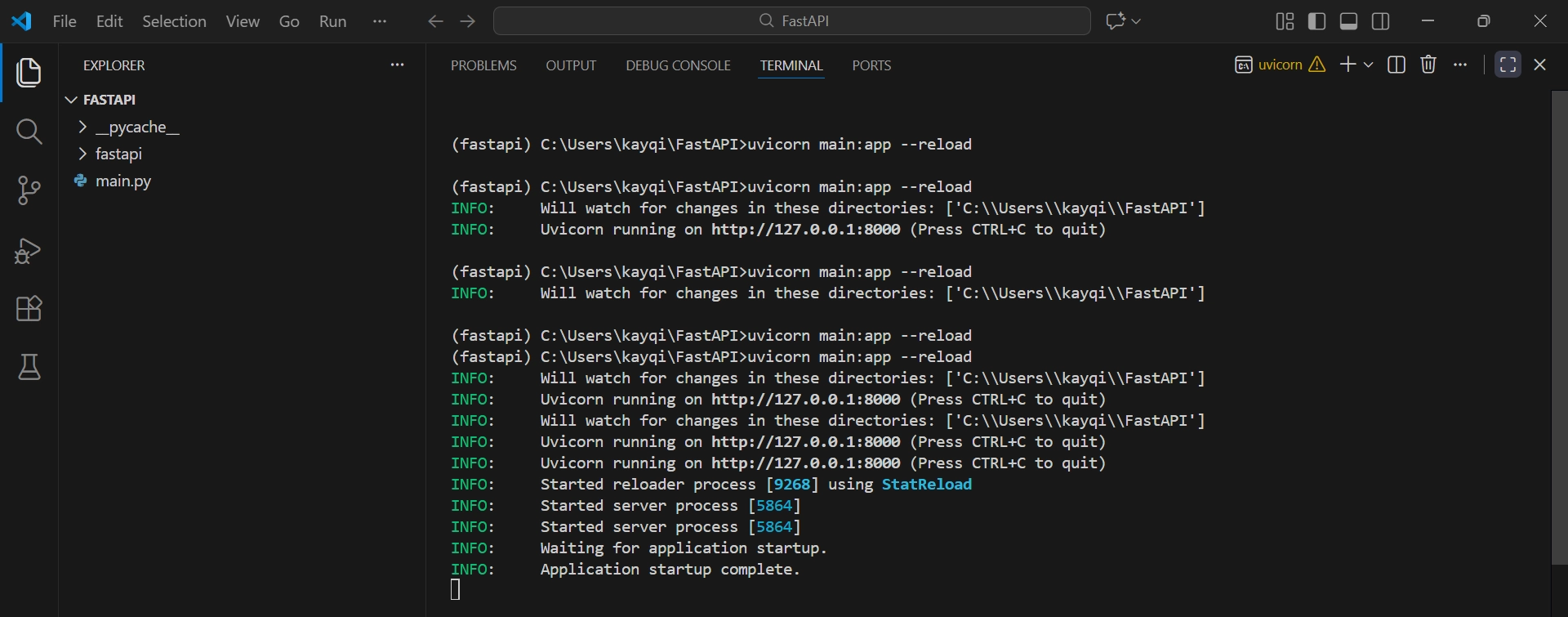
After starting, open your browser and go to:
🔗 127.0.0.1:8000
⏹️ Stopping the Server
To stop the server, press:
CTRL + C
⚙️ Alternative Ways to Run FastAPI (Newer Versions)
If you are using a newer version of FastAPI, you can also start the application using:
fastapi run [python_file_name]
// Ex: fastapi run books.py
or
fastapi dev [python_file_name]
// Ex: fastapi dev books.py
🌐 Accessing the Application in the Browser
Once the server is running, follow the URL displayed in the terminal or manually open it in your browser.
Application URL:
127.0.0.1:8000/
Your default browser will display the response:
🌐browser
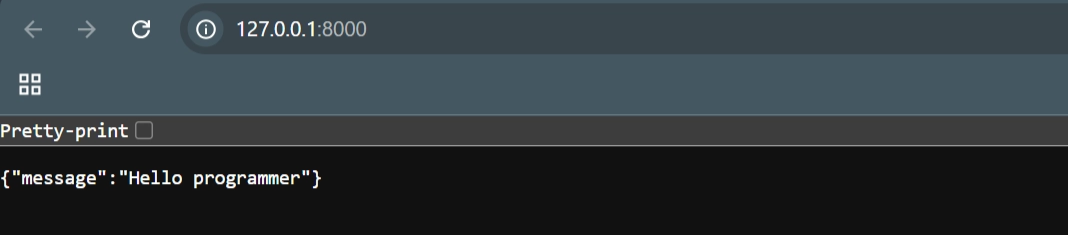
If we remove the async keyword from the function, the application will still behave the same way.
🗂️ books.py
from fastapi import FastAPI

app = FastAPI()

@app.get("/api-endpoint")
def first-api():
    return {"message": "Hello programmer"}
The browser still returns the same response, confirming that async is optional in FastAPI for simple operations.
🌐 browser
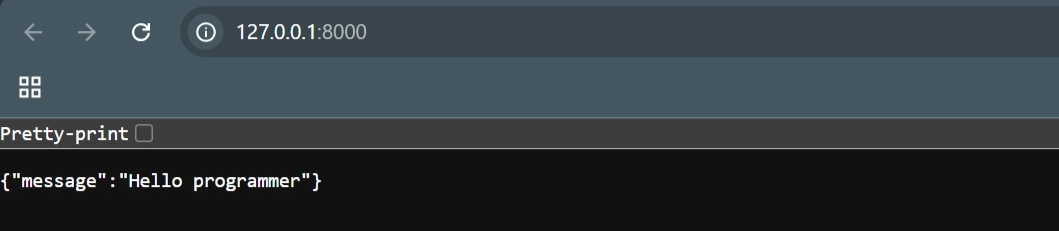
This demonstrates that FastAPI supports both synchronous and asynchronous route handlers.
🔀 Changing the API Endpoint
Let’s now change the endpoint path.
"/" → "api_endpoint"
from fastapi import FastAPI

app = FastAPI()

@app.get("/api-endpoint")
async def first-api():
    return {"message": "Hello programmer"}
If we attempt to access the root URL:
❌ 127.0.0.1:8000/
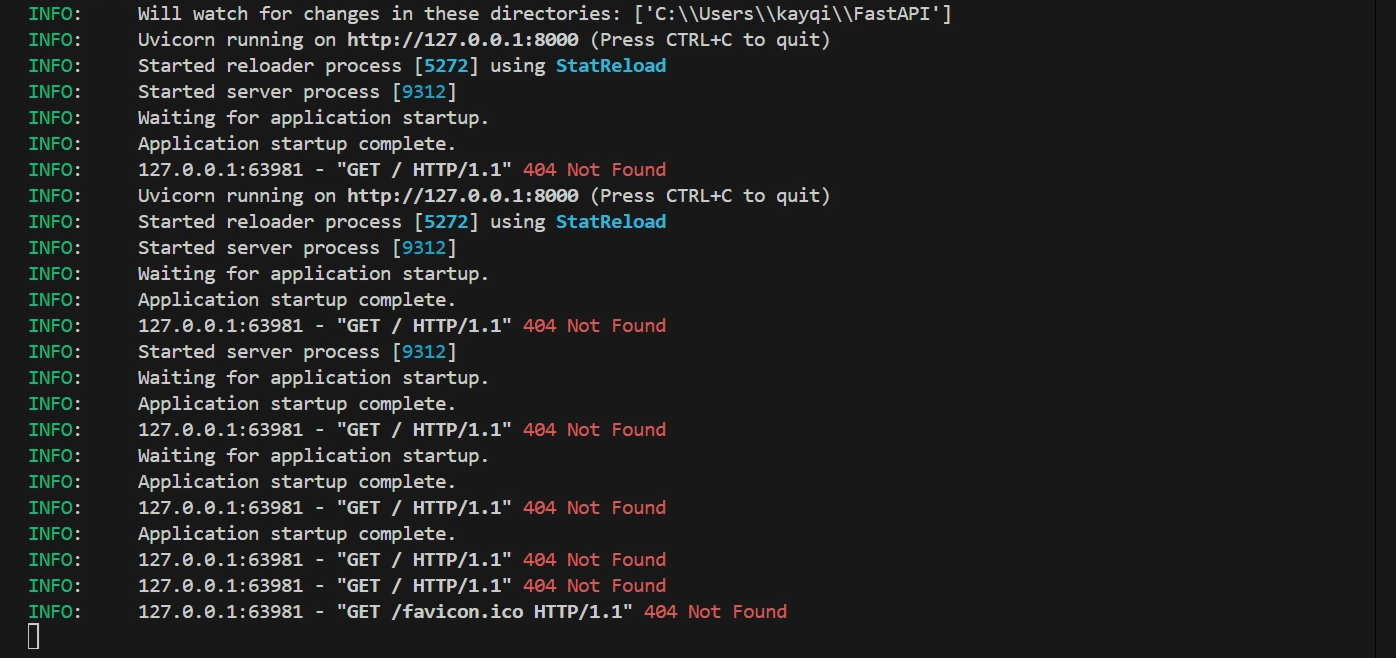
The browser displays an error, and the terminal shows a 404 Not Found response.
This occurs because the root endpoint (/) no longer exists.
🌐browser
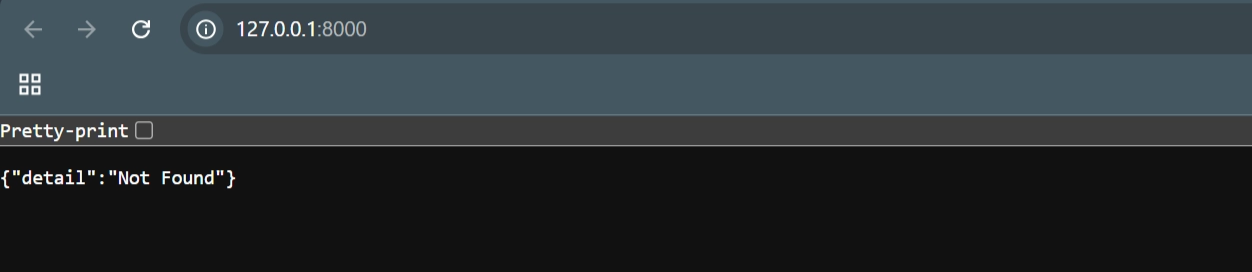
From the terminal, we see a 404 Not Found error
💻terminal
When we navigate to the correct endpoint:
✅ 127.0.0.1:8000/api-endpoint →
The browser successfully returns the expected message:
🌐browser

📝 Summary:
Created a
books.pyfile inside the FastAPI project folder.Initialized the application using
FastAPI().Defined a GET endpoint using
@app.get("/")to return a JSON response.Ran the application with
uvicorn main:app --reload(after activating the virtual environment).Accessed the app in the browser via
127.0.0.1:8000.
Key Concepts Covered
✅ How FastAPI creates an application instance
✅ How endpoints are defined and mapped to URLs
✅ How to start and stop the development server
✅
asyncis optional for simple route handlers✅ Changing the endpoint path affects URL access
✅ Accessing a non-existent route returns 404 Not Found
This section establishes the foundational workflow for building and running a FastAPI application.
✅ Current Complete Code
🗂️ books.py
from fastapi import FastAPI

app = FastAPI()

@app.get("/api-endpoint")
async def first-api():
    return {"message": "Hello programmer"}