🔷 What It Is
EC2 Instance Connect is a browser-based way to SSH into your instance — no key management needed. It generates a temporary key behind the scenes and logs you in instantly.
⚙️ Key Features
Browser-based → No terminal needed
No key management → Temporary key auto-generated per session
Best on Amazon Linux 2 → Native support
Still SSH under the hood → Uses port 22, just like regular SSH
One-click access → Connect instantly, no setup
🔄 How It Works
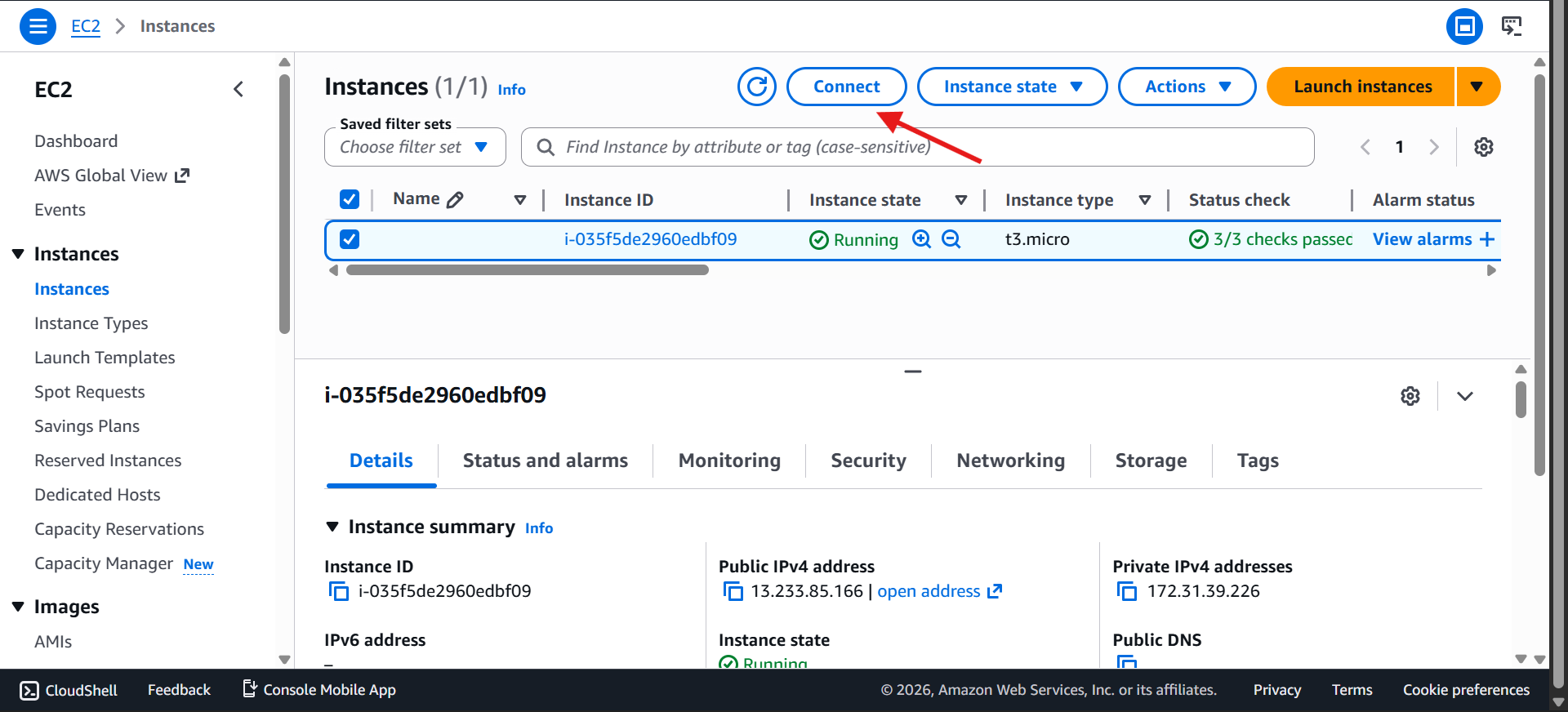
Go to EC2 Dashboard
Select your instance (My First Instance)
Click Connect
Choose EC2 Instance Connect and Click Connect (Default)
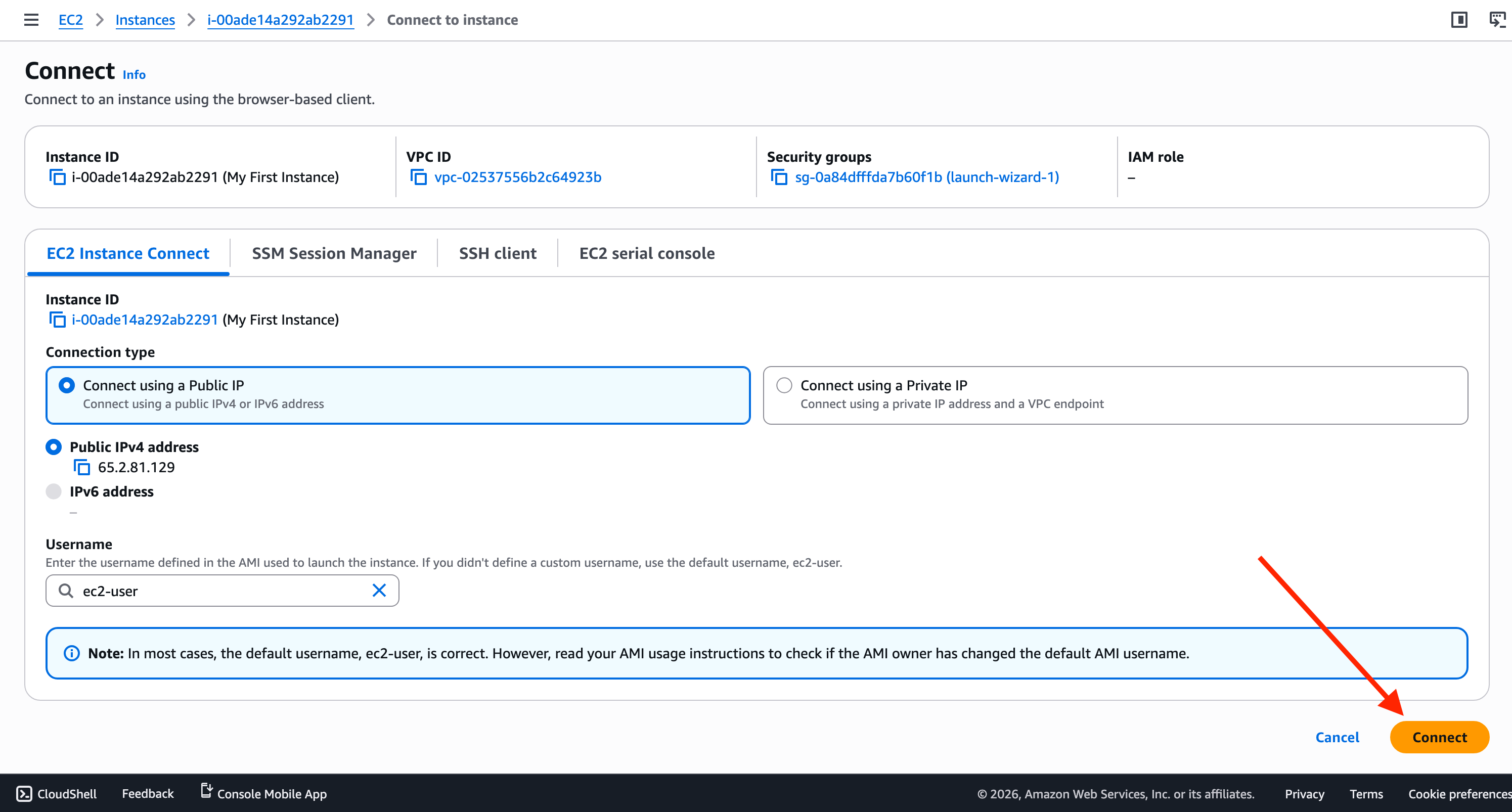
AWS generates a temporary key
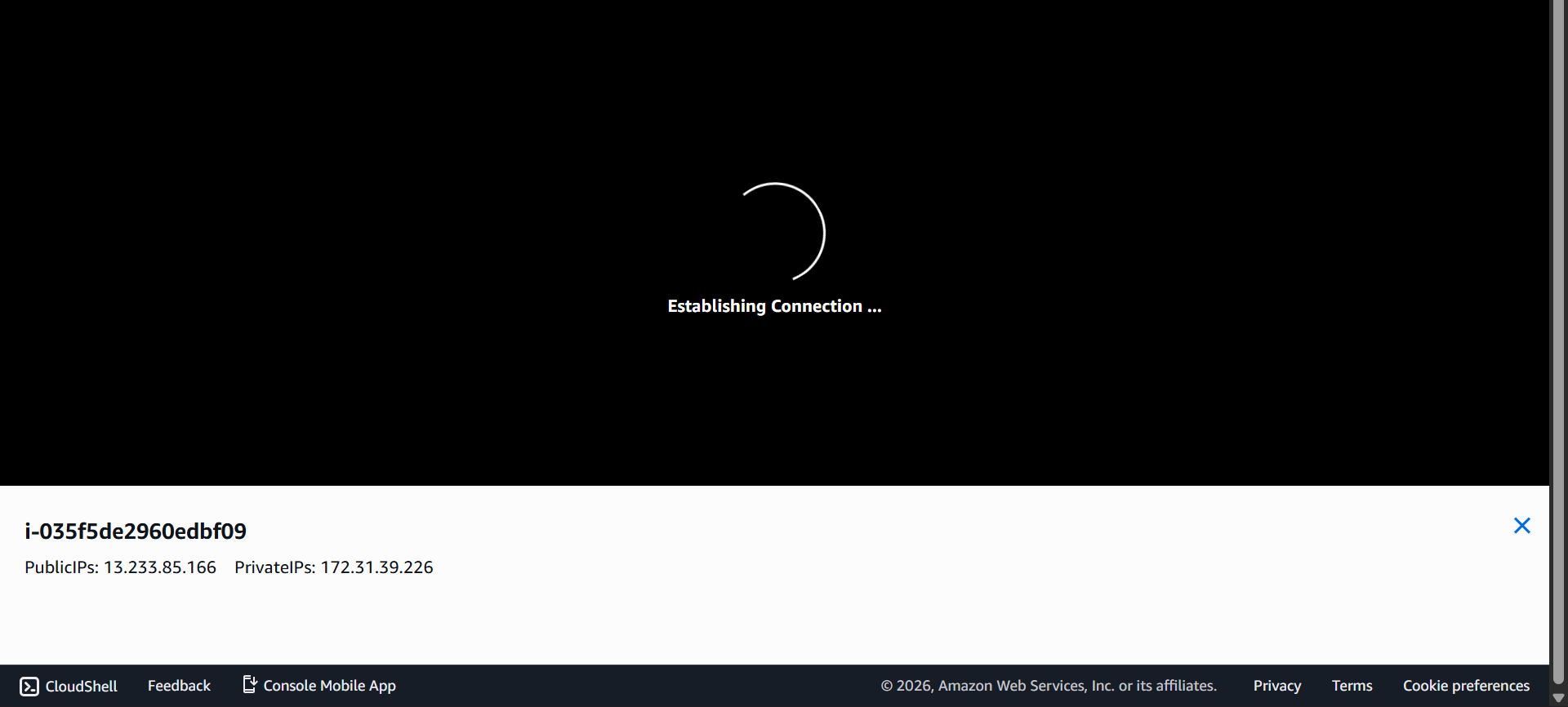
Browser terminal opens instantly
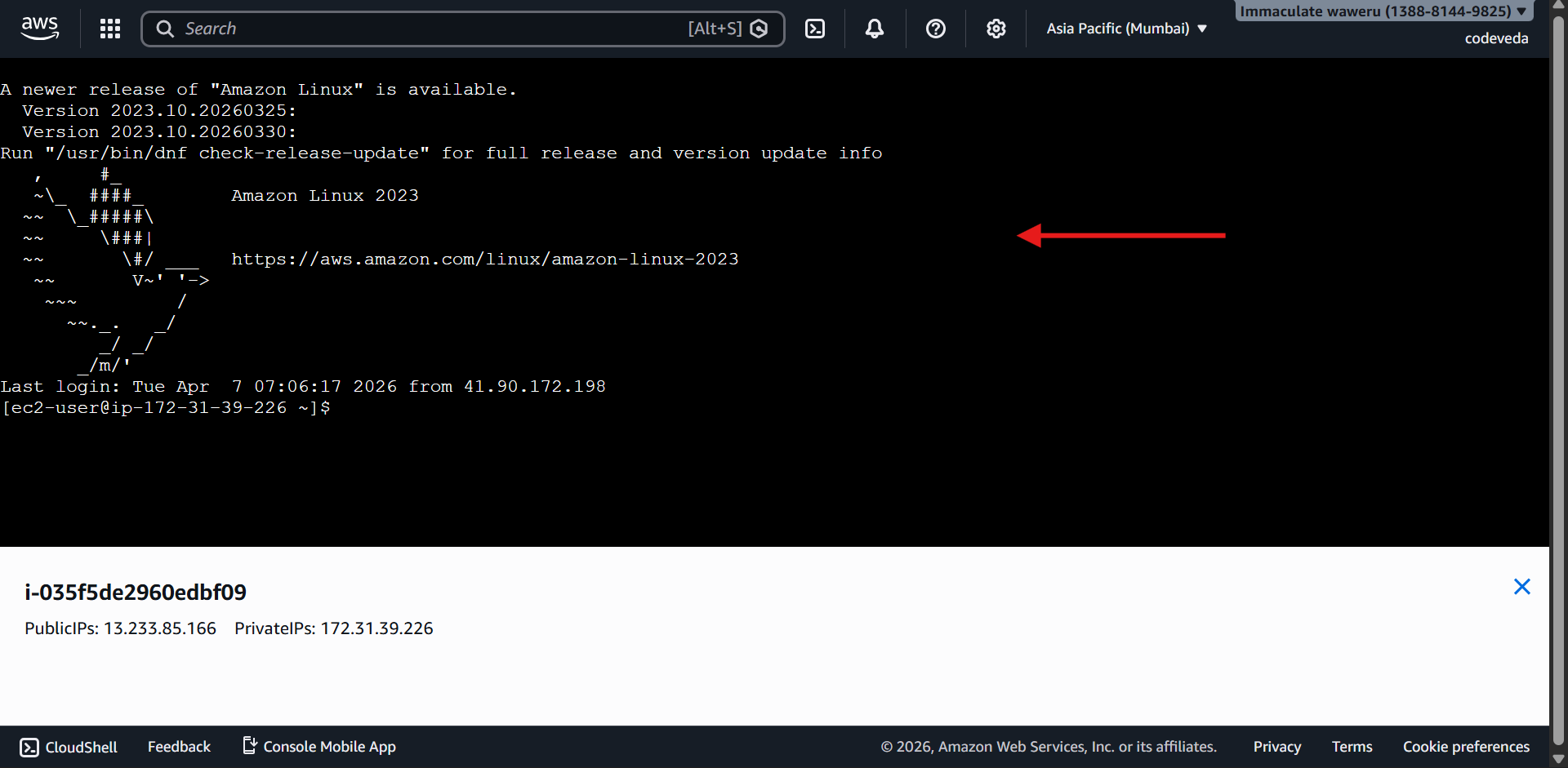
👉 Run commands
whoamiping google.comBeginner-friendly (no SSH confusion)
Quick troubleshooting
Access from any device, anywhere
Temporary testing environments
No .pem key needed
Still requires port 22 (SSH) open
Default username:
🐧 Amazon Linux →
ec2-user
Not supported on all AMIs
If it fails:
Check Security Group
Allow:
Port 22 (SSH)
Source: Your IP / Anywhere (for testing)
🔁 Then retry connection