📁 Creating the models.py File
In this video, we will create our models.py file.
First, create a new Python file inside your Todo application and name it models.py.
Models allow SQLAlchemy to understand the structure of the database tables we intend to create. In other words, models define how our data is stored inside the database.
A database model represents a single record (row) inside a database table.
🧠 Understanding the Todo Model
In our application, we will create a table called todos.
Each record in this table will contain the following fields:
idtitledescriptionprioritycomplete
The priority field will be stored as an integer, allowing us to represent importance numerically (for example: 1 = High, 2 = Medium, 3 = Low).
📊 Todos Table Example
ID | Title | Description | Priority | Complete |
|---|---|---|---|---|
1 | Design homepage | Create the main landing page layout | 1 | No |
2 | Set up database | Create tables and relationships for the app | 1 | Yes |
3 | Implement API | Build FastAPI endpoints for CRUD operations | 2 | No |
4 | Frontend integration | Connect Vue.js frontend to the backend | 2 | No |
5 | Testing & deployment | Test features and deploy to production | 3 | No |
📥 Importing the Declarative Base
The first thing we need is the Base class created in our database.py file using SQLAlchemy’s declarative base.
We import it into our models.py file:
from database import BaseThis tells SQLAlchemy that any class inheriting from Base should be treated as a database table.
🏗️ Creating the Todos Model
Next, we define the Todos model.
This class represents the todos table in the database.
from database import Base

class Todos(Base):
    __tablename__ = "todos"
The __tablename__ attribute specifies the name of the table in the database.
🧩 Defining Table Columns
Now that we have our model class, we can define the columns that make up the table.
Our table will contain:
idtitledescriptionprioritycomplete
🔑 Creating the ID Column
The id column will be our primary key, which uniquely identifies each record.
It will:
Be an integer
Serve as the primary key
Be indexed for faster queries
from database import Base
from sqlalchemy import Column, Integer

class Todos(Base):
    __tablename__ = "todos"

id = Column(Integer, primary_key=True, index=True)primary_key=Trueensures uniqueness for each record.index=TrueImproves lookup performance.
🧱 Adding the Remaining Columns
To define the remaining fields, we import String and Boolean.
Stringis used for text-based columns.Booleanis used to track whether a todo has been completed.
from database import Base
from sqlalchemy import Column, Integer, String, Boolean
Now we define all remaining columns :
from database import Base
from sqlalchemy import Column, Integer, String, Boolean

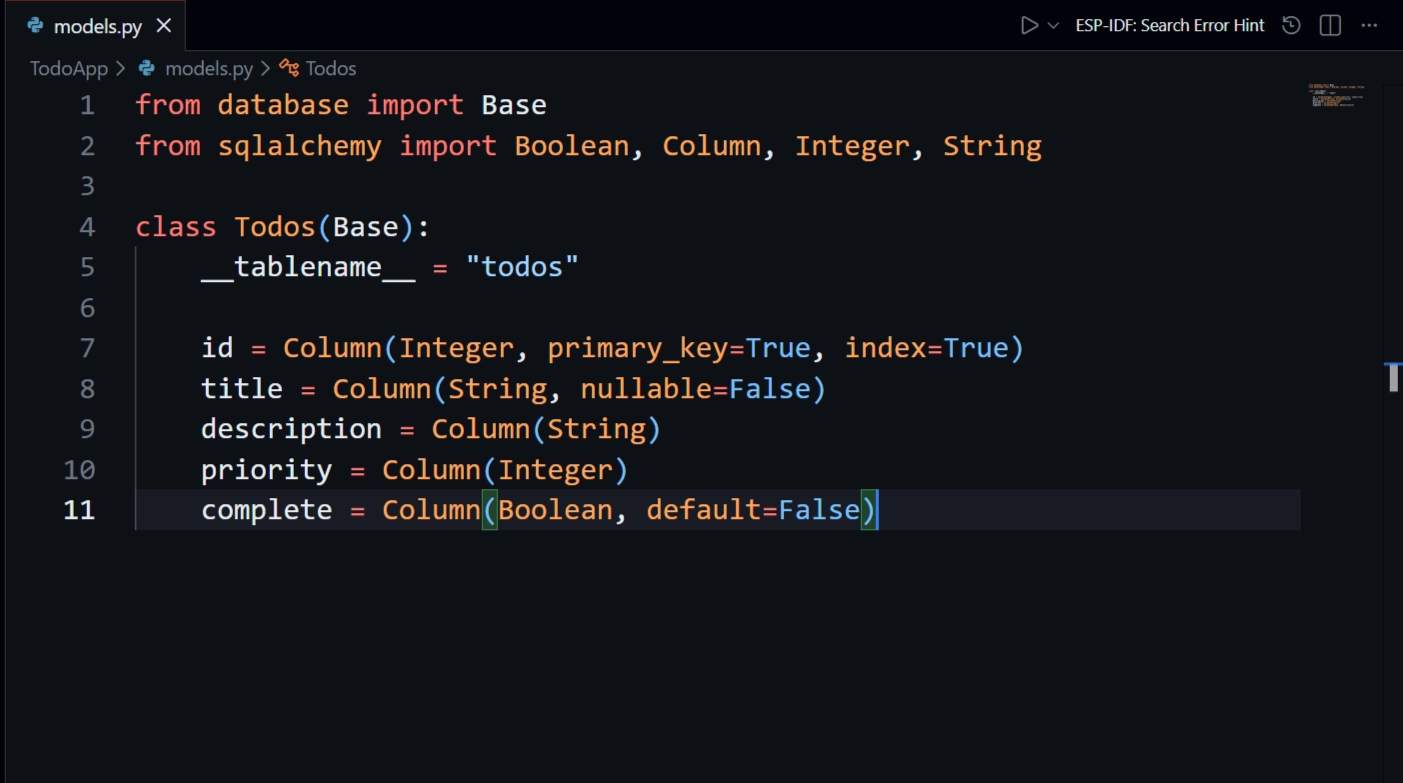
class Todos(Base):
    __tablename__ = "todos"

    id = Column(Integer, primary_key=True, index=True)
    title = Column(String, nullable=False)
    description = Column(String)
    priority = Column(Integer)
    complete = Column(Boolean, default=False)
✅ Final Result
Our Todos model now correctly maps to a database table with the following structure:
id→ Integer, primary keytitle→ Stringdescription→ Stringpriority→ Integer (numeric importance)complete→ Boolean (defaults toFalse)
🧾 Summary
To recap:
We created a
models.pyfileImported SQLAlchemy’s
Baseand column typesDefined a
Todosmodel representing thetodostableUsed appropriate data types for each column
Ensured
priorityis stored as an integerMarked
idas the primary key and indexed it for performance