🚀 Setting Up Templates for Our FastAPI Full-Stack Application
Now that our FastAPI application is fully prepared for a full-stack environment, we can begin implementing the frontend portion of the project.
The first step is to set up HTML templates that will allow our application to render web pages in the browser. These templates will serve as the user interface for our Todo application.
📁 Creating the Templates Directory & the Home Template
To begin, we need to create a new folder called templates.
This directory will store all of the HTML files used by our application.
Steps:
Inside your project, create a new directory named:
templatesThis folder will contain all the HTML templates used by the application.
HTML files are what the browser renders when users visit a webpage, making them essential for building a full-stack application.
Next, create a new HTML file inside the templates folder.
File name:
home.htmlIf you are using PyCharm, it will automatically generates a basic HTML template for you.
If your IDE does not generate one automatically, you can create a simple HTML structure like this:
<!DOCTYPE html>
<html>
<head>
    <title>Todo App</title>
</head>
<body>
    <h1>Welcome to this FastAPI course</h1>
</body>
</html>
This file will serve as our first rendered webpage within the FastAPI application.
📦 Installing Required Dependencies
To enable template rendering, we need to install two additional Python libraries.
1️⃣ Install AIOFiles
This library allows FastAPI to work with files asynchronously.
pip install aiofiles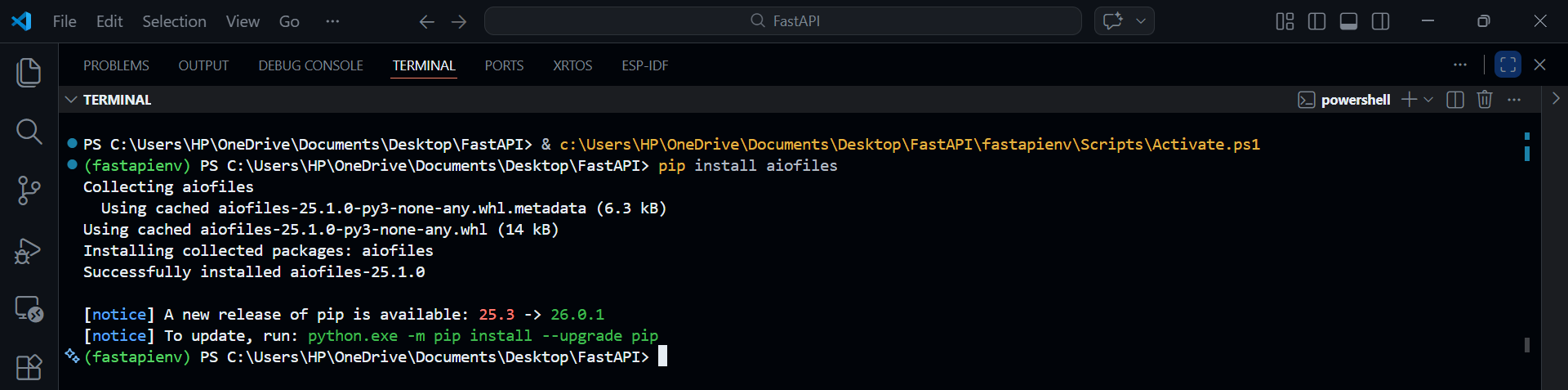
2️⃣ Install Jinja2
Jinja2 is the templating engine that allows FastAPI to render HTML templates.
pip install jinja2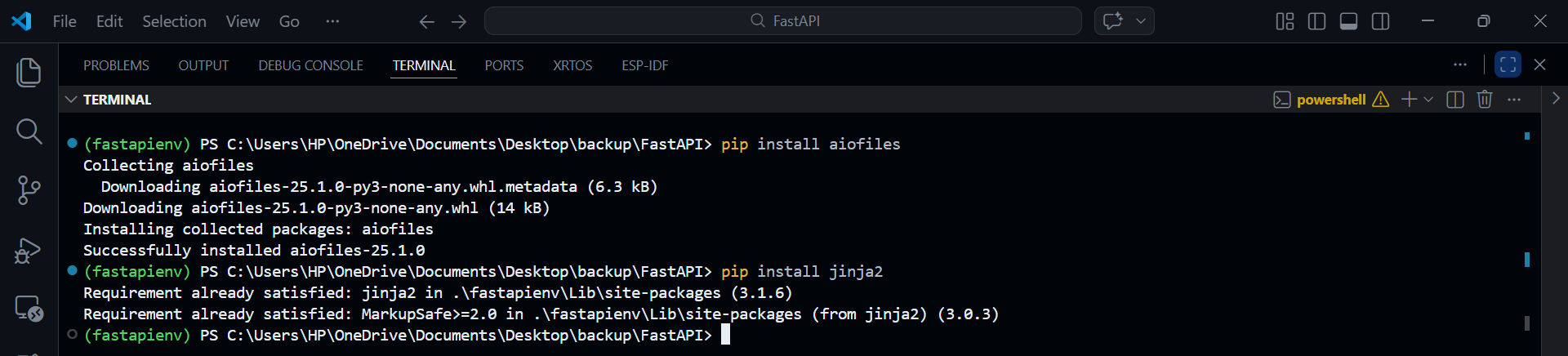
Once these dependencies are installed, our application will be able to serve HTML templates.
⚙️ Configuring Templates in FastAPI
Now we need to configure our application to recognize the templates directory.
Open your main.py file and import the required modules.
from fastapi.templating import Jinja2Templates
from fastapi import Request
Initialize the Template Engine
Below the line where the database tables are created
Base.metadata.create_all(bind=engine)Base.metadata.create_all(bind=engine)
Initialize the template engine:
Base.metadata.create_all(bind=engine)

templates = Jinja2Templates(directory="TodoApp/templates")
What this does:
Tells FastAPI where the HTML templates are located
Enables Jinja2 template rendering
Connects the backend with the frontend templates
In our case:
TodoAppis the project foldertemplatescontains our HTML files
🧪 Creating a Test Endpoint
Below our:
Base.metadata.create_all(bind=engine)

templates = Jinja2Templates(directory="todoapp/templates")
We will create a simple endpoint that renders our home.html file.
@app.get("/test")
def test(request: Request):
    return templates.TemplateResponse(
        "home.html",
        {"request": request}
    )
Important Requirement
Whenever we return an HTML template, we must include the following in the response context:
{"request": request}This is required for Jinja2 templates to function correctly within FastAPI.
▶️ Running the Application
Now let's start the application.
First, make sure your inside the FastAPI project directory if you are inside another folder:
Then run the application using Uvicorn:
uvicorn TodoApp.main:app --reload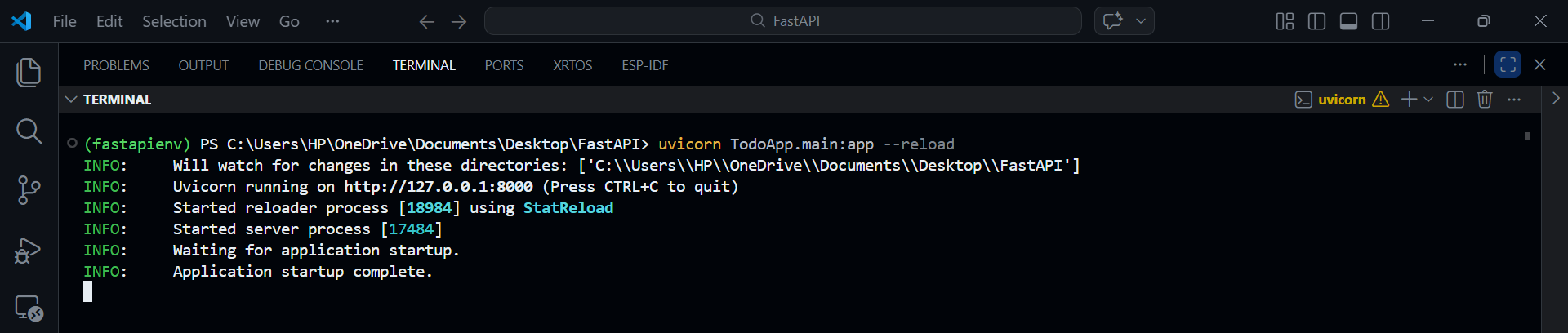
Your application will now start running locally.
🌐 Viewing the Template in the Browser
Open your browser and visit:
<http://127.0.0.1:8000/test>You should now see the message:
Welcome to this FastAPI courseThis confirms that our HTML template is successfully rendered by FastAPI.
📚 API Endpoints Still Work
Even though we are now rendering HTML pages, our API endpoints still function normally.
For example, if you navigate to:
/docsYou will still see the Swagger API documentation with all of your existing endpoints.
This means our application now supports both API responses and HTML rendering.
🧱 Understanding the Difference
Previously, our endpoints returned JSON responses, such as:
{
  "status": "healthy"
}
Now, our application can also return HTML pages, which are automatically rendered by the browser.
This capability allows FastAPI to support full-stack web development.
🎬 Next Steps
This was the first step toward building our full-stack application using FastAPI.
In the next lesson, we will continue expanding the frontend and begin integrating it more deeply with our backend logic.
📝 Summary
In this lesson, we:
Created a templates directory for HTML files
Built our first template home.html
Installed required dependencies (aiofiles and jinja2)
Configured Jinja2Templates in FastAPI
Created a test endpoint to render an HTML page
Verified that the template renders correctly in the browser
Our FastAPI application can now serve both API responses and HTML pages, which is a key step in building a full-stack web application.
🗂️ templates/home.html
<!DOCTYPE html>
<html>
<head>
    <title>Todo App</title>
</head>
<body>
    <h1>Welcome to this FastAPI course</h1>
</body>
</html>
🗂️ main.py
from fastapi import FastAPI
from .models import Base
from .database import engine
from .routers import auth, todos, admin, users
from fastapi.templating import Jinja2Templates
from fastapi import Request

app = FastAPI()

Base.metadata.create_all(bind=engine)

templates = Jinja2Templates(directory="TodoApp/templates")

@app.get("/test")
def test(request: Request):
    return templates.TemplateResponse(
        "home.html",
        {"request": request}
    )

@app.get("/healthy")
def health_check():
    return {"status": "healthy"}

app.include_router(auth.router)
app.include_router(todos.router)
app.include_router(admin.router)
app.include_router(users.router)