🐘 Section: Setting Up PostgreSQL for Production
Now that we have:
PostgreSQL installed
pgAdmin installed
We’re going to create our production database for our Todo Application.
Up until now, we were using SQLite.
Now we’re moving to a real production-ready database system.
🖥 Step 1 — Register a Server in pgAdmin
When you first install PostgreSQL and open pgAdmin, you will see the server group called Servers:
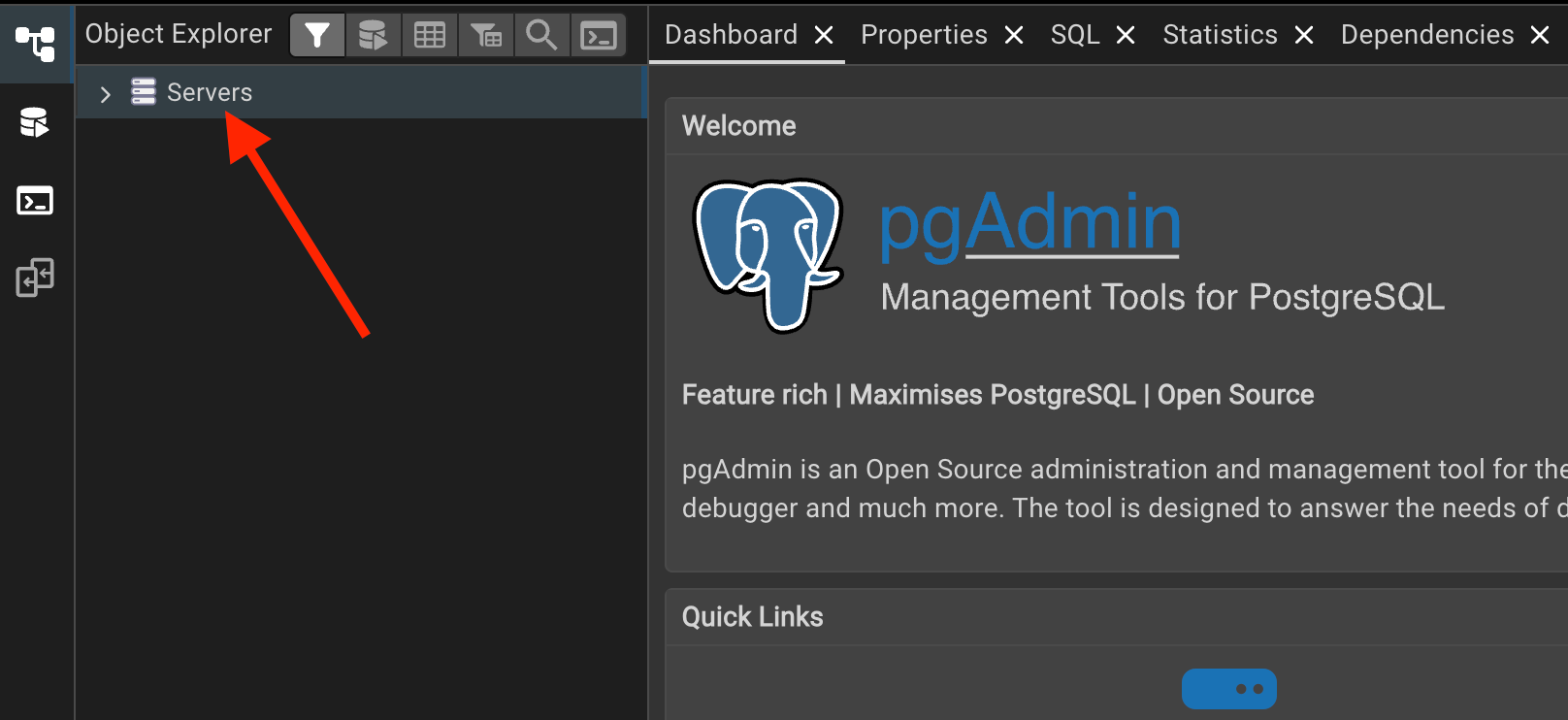
This Servers group is created by default.
If you don’t see it:
Right-click → Create → Server Group
But normally it’s already there.
Register a New Server
Right-click on:
Servers → Register → Server👉 General Tab
Name:
TodoAppServerServer Group:
Servers👉 Connection Tab
Set:
Host name/address →
localhostPort →
5432(default)Username →
postgresPassword → (your Postgres password)
Click Save
Now under:
Servers
  └── TodoApplicationServer
This server will host:
Databases
Tables
Roles
Permissions
🔐 Step 2 — Verify Superuser
Inside TodoApplicationServer Open:
Login/Group RolesYou should see:
postgresRight-click (postgres)→ Properties → Privileges
Make sure:
Superuser = ✅ True
If you don’t have a superuser:
Right-click (Login/Group Rules) → Create → Login/Group Role
Set all privilege flags to True
This account will own our production database with all access.
🗄 Step 3 — Create the Production Database
Under: TodoApplicationServer
Databases → Right-click → Create → DatabaseName:
TodoAppOwner:
postgresClick Save.
By default, pgAdmin connects automatically.
If not:
Right-click(TodoApp) → Connect to Database.
🧱 Step 4 — Create Tables Using SQL
Inside the new database:
Click the Query Tool (top-left icon) ⛃
This allows us to run raw SQL.
📝 SQL Script
We now recreate the same tables we had in SQLite.
DROP TABLE IF EXISTS users;

CREATE TABLE users (
  id SERIAL,
  email varchar(200) DEFAULT NULL,
  username varchar(45) DEFAULT NULL,
  first_name varchar(45) DEFAULT NULL,
  last_name varchar(45) DEFAULT NULL,
  hashed_password varchar(200) DEFAULT NULL,
  is_active boolean DEFAULT NULL,
  role varchar(45) DEFAULT NULL,
  PRIMARY KEY (id));

DROP TABLE IF EXISTS todos;

CREATE TABLE todos (
  id SERIAL,
  title varchar(200) DEFAULT NULL,
  description varchar(200) DEFAULT NULL,
  priority integer DEFAULT NULL,
  complete boolean DEFAULT NULL,
  owner_id integer DEFAULT NULL,
  PRIMARY KEY (id),
  FOREIGN KEY (owner_id) REFERENCES users(id));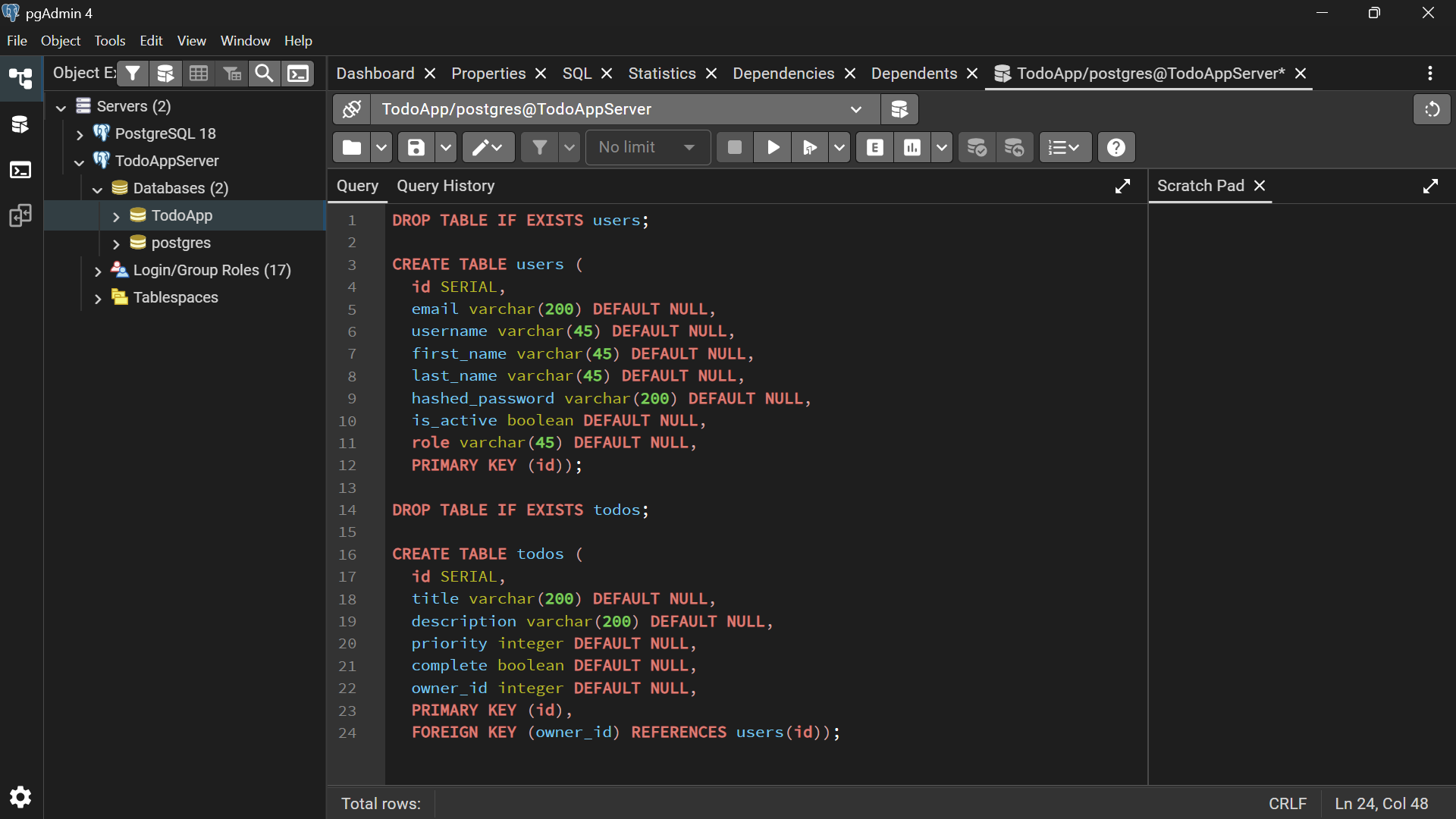
🧠 Important Backend Concepts
What is SERIAL?
In PostgreSQL:
SERIALMeans:
Auto-incrementing integer
Similar to
INTEGER PRIMARY KEY AUTOINCREMENTin SQLite
What is FOREIGN KEY?
FOREIGN KEY (owner_id) REFERENCES users(id)This creates a relationship:
Each todo belongs to a user
Enforces referential integrity
Prevents orphan records
This is real relational database design.
🚀 Execute the Script
Click the Execute button.
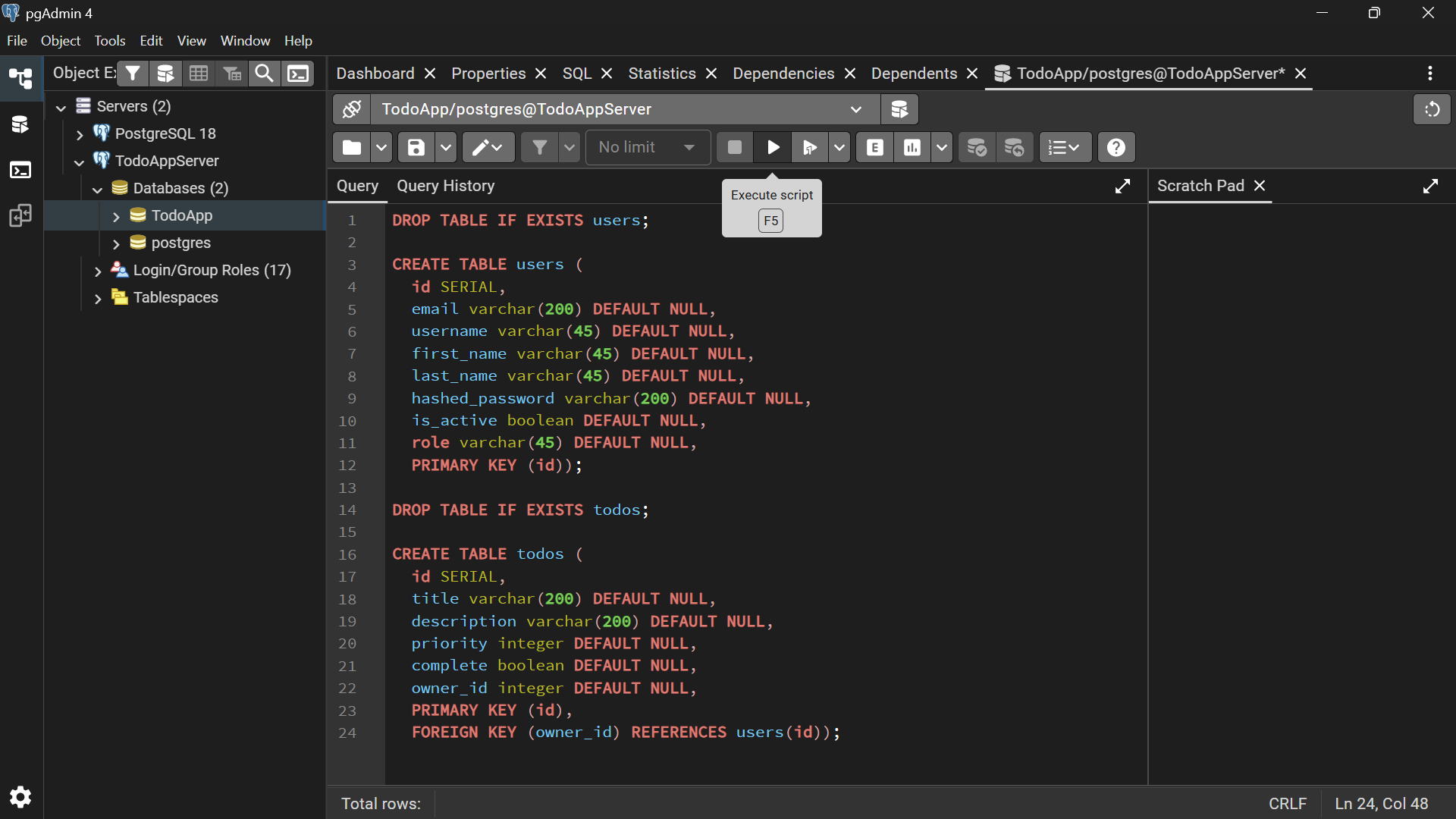
You may see:
NOTICE: table does not exist, skipping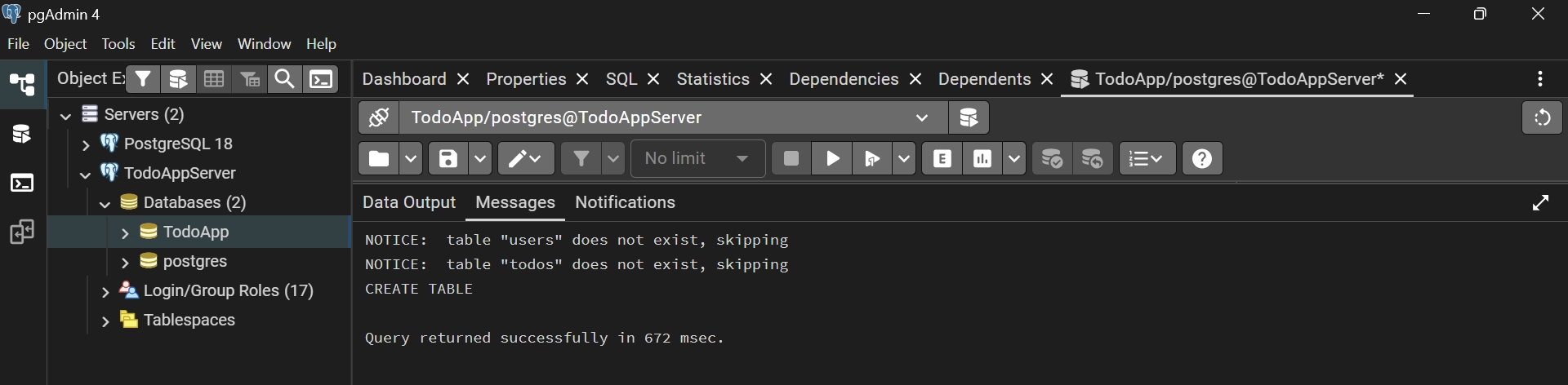
That’s normal.
It just means it didn’t previously exist.
🔄 Refresh Tables
Right-click: TodoApp → Schemas → Tables → Refresh
You should now see:
users
todos
🔎 Step 5 — Verify Tables
Run:
SELECT * FROM todos;You should see:
Columns:
id
title
description
priority
complete
owner_id
No records yet.
Then:
SELECT * FROM users;Columns:
id
email
username
first_name
last_name
hashed_password
is_active
role
Still no records.
🏗 What We Just Built
We now have:
✅ A PostgreSQL production database
✅ Two relational tables
✅ Foreign key relationship
✅ Proper primary keys
✅ Superuser ownership
This is now production-level infrastructure.