🔐 Authentication — Validating a User Login (Step 1)
In the previous section, we successfully:
Created users
Hashed passwords using
bcryptStored users securely in the database
Now, we move to the next critical step:
Allowing a user to authenticate (log in) using their username and password.
This is the foundation of authentication.
We will build this in stages to fully understand what’s happening internally.
🎯 Goal of This Section
We want to:
Accept a username and password
Validate them against the database
Confirm whether authentication succeeds or fails
Prepare for JWT token generation (next section)
🧱 Step 1 — Create a Login Endpoint
We begin by creating a simple POST endpoint:
🗂️ routers/auth.py
@router.post("/token")
async def login_for_access_token():
    return "token"
If you run:
uvicorn main:app --reloadYou’ll see the /token endpoint appear in Swagger.
Right now:
It accepts nothing
It validates nothing
It simply returns
"token"
We need to fix that.
Required 🧩 Step 2 — Install Dependency
To submit form data in FastAPI using OAuth standards, we need:
terminal
pip install python-multipartWhy?
Because OAuth2 login uses application/x-www-form-urlencoded form data.
Without this package, FastAPI cannot process login forms.
python-multipart is required in FastAPI when your API needs to handle form data, especially:
multipart/form-dataFile uploads
OAuth2 login forms
🛡 Step 3 — Use OAuth2PasswordRequestForm
Instead of manually accepting username and password, FastAPI provides a secure helper:
from fastapi.security import OAuth2PasswordRequestForm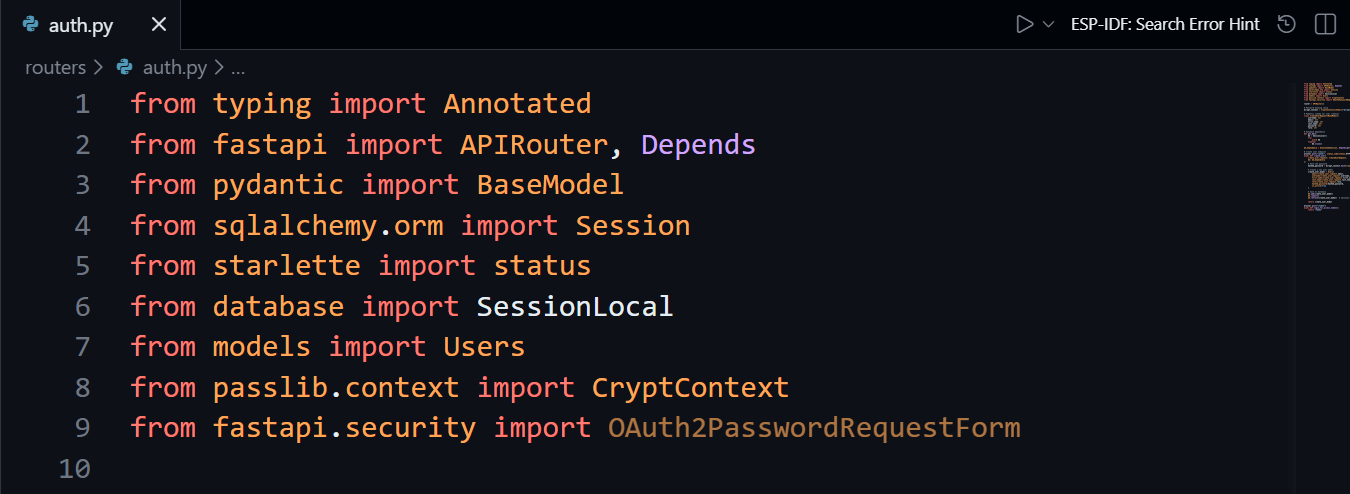
This is an OAuth2-compliant login form.
It automatically handles:
username (required)
password (required)
grant_type
scope
client_id
client_secret
🧠 Why Use OAuth2PasswordRequestForm?
Because:
It follows OAuth2 standards
Swagger automatically generates a proper login form
It integrates cleanly with JWT authentication
It prepares our application for production-level security
🏗 Updated Endpoint with Dependency Injection
Now we inject it:
@router.post("/token")
async def login_for_access_token(
    form_data: Annotated[OAuth2PasswordRequestForm, Depends()],):
    return form_data.username
If you test this:
Enter username + password
Execute
It returns the username.
This proves:
FastAPI is receiving the form data
Dependency injection is working
But we are not validating anything yet.
🧠 Step 4 — Create Authentication Logic
Now we create the real backend logic.
Authentication must:
Look up the user by username
Verify password using bcrypt
Return success or failure
🔎 The Authentication Function
This helper function will be used in /token endpoint
def authenticate_user(username: str, password: str, db: Session):
    user = db.query(Users).filter(Users.username == username).first()

    if not user:
        return False

    if not bcrypt_context.verify(password, user.hashed_password):
        return False

    return user
🔍 What’s Happening Internally?
1️⃣ Query the Database
db.query(Users).filter(Users.username == username).first()We check if a user exists.
If not → return False.
2️⃣ Verify Password
bcrypt_context.verify(password, user.hashed_password)Important:
The password from the form is plain text
The database contains a hashed password
verify()hashes the plain text internallyThen compares it securely with the stored hash
If they match → authentication succeeds.
🧩 Step 5 — Connect Everything
Now lets use the authenticate_user helper function we created and update /token:
@router.post("/token")
async def login_for_access_token(
    form_data: Annotated[OAuth2PasswordRequestForm, Depends()],
    db: db_dependency,):

    user = authenticate_user(form_data.username, form_data.password, db)

    if not user:
        return "Failed Authentication"

    return "Successful Authentication"
🧪 Testing Authentication
❌ Invalid Username + Correct Password
Result → Failed Authentication
❌ Correct Username + Wrong Password
Result → Failed Authentication
✅ Correct Username + Correct Password
Result → Successful Authentication
🧠 Important Backend Concepts Learned
OAuth2 form handling
Dependency injection in FastAPI
Secure password verification
Separation of concerns (route vs authentication logic)
🔐 Why This Is Only Step One
Right now we are:
✔ Validating credentials
❌ Not generating tokens yet
Next section we will:
Generate a JWT token
Encode user information
Return secure access tokens
Protect endpoints using that token
from typing import Annotated
from fastapi import APIRouter, Depends
from sqlalchemy.orm import Session
from database import SessionLocal
from models import Users
from passlib.context import CryptContext
from fastapi.security import OAuth2PasswordRequestForm

router = APIRouter()

bcrypt_context = CryptContext(schemes=["bcrypt"], deprecated="auto")

def get_db():
    db = SessionLocal()
    try:
        yield db
    finally:
        db.close()

db_dependency = Annotated[Session, Depends(get_db)]

def authenticate_user(username: str, password: str, db: Session):
    user = db.query(Users).filter(Users.username == username).first()

    if not user:
        return False

    if not bcrypt_context.verify(password, user.hashed_password):
        return False

    return user

@router.post("/token")
async def login_for_access_token(
    form_data: Annotated[OAuth2PasswordRequestForm, Depends()],
    db: db_dependency,):

    user = authenticate_user(form_data.username, form_data.password, db)

    if not user:
        return "Failed Authentication"

    return "Successful Authentication"
No other file changed