💻 What is Web Development?
🌍 Building websites and web apps — split into two halves that work together:
🎨 Front-End — what users see
⚙️ Back-End — what works behind the scenes
🔄 Client-Server Architecture
<!-- Infographic: Client/Server request-response with a worked example (amazon.com) — 16:9, responsive, synced timeline -->
<div class="infographic-csexample">
<style>
.infographic-csexample {
--ink: #1a1a1a;
--ink-soft: #5c5c5c;
--paper: #ffffff;
--paper-alt: #f0ece4;
--accent: #2563eb;
--accent-soft:#e3ebfd;
--line: #ddd6c9;
font-family: 'Inter', system-ui, sans-serif;
color: var(--ink);
background: var(--paper);
width: 100%;
max-width: 1000px;
margin: 0 auto;
box-sizing: border-box;
aspect-ratio: 16 / 9;
display: flex;
flex-direction: column;
container-type: inline-size;
container-name: cscard;
}
.infographic-csexample[data-theme="dark"] {
--ink: #e8e6e1;
--ink-soft: #9a968c;
--paper: #121212;
--paper-alt: #1e1e26;
--accent: #5b8def;
--accent-soft:#202942;
--line: #2c313d;
}
.infographic-csexample * { box-sizing: border-box; }
.cx-stage {
flex: 1;
display: flex;
align-items: center;
justify-content: center;
gap: clamp(0.3rem, 2.5cqw, 1.2rem);
min-height: 0;
min-width: 0;
padding: clamp(0.5rem, 3cqw, 1.5rem);
}
/* --- endpoint nodes --- */
.cx-node {
display: flex;
flex-direction: column;
align-items: center;
gap: clamp(0.2rem, 1cqw, 0.45rem);
flex: 0 0 auto;
min-width: 0;
}
.cx-node-box {
width: clamp(52px, 15cqw, 118px);
height: clamp(52px, 15cqw, 118px);
border-radius: 50%;
border: 2px solid var(--line);
background: var(--paper-alt);
display: flex;
align-items: center;
justify-content: center;
color: var(--accent);
position: relative;
flex: 0 0 auto;
}
.cx-node-box svg { width: clamp(22px, 6.2cqw, 46px); height: clamp(22px, 6.2cqw, 46px); stroke: var(--accent); }
.cx-node-label { font-size: clamp(0.42rem, 1.7cqw, 0.84rem); font-weight: 700; white-space: nowrap; }
.cx-node-sub { font-size: clamp(0.3rem, 1.1cqw, 0.56rem); color: var(--ink-soft); white-space: nowrap; text-align: center; }
.cx-node-tag {
font-size: clamp(0.32rem, 1.2cqw, 0.62rem);
font-weight: 700;
color: var(--accent);
opacity: 0;
white-space: nowrap;
}
/* server: pulses + "Processing" tag right as the request arrives (~14%) */
.cx-node.server .cx-node-box::before {
content: "";
position: absolute; inset: -6px;
border-radius: 50%;
border: 1.5px dashed var(--accent);
opacity: 0;
animation: cx-server-ring 6s ease-out infinite;
}
@keyframes cx-server-ring {
0%, 10% { opacity: 0; transform: scale(0.9); }
14% { opacity: 0.6; transform: scale(0.96); }
36% { opacity: 0.25; transform: scale(1.05); }
40% { opacity: 0; transform: scale(1.14); }
100% { opacity: 0; }
}
.cx-node.server .cx-node-tag { animation: cx-server-tag 6s ease-in-out infinite; }
@keyframes cx-server-tag {
0%, 12% { opacity: 0; }
16%, 38% { opacity: 1; }
42%, 100%{ opacity: 0; }
}
/* browser: bounces + "Rendered" tag once the response arrives (~58%) */
.cx-node.browser .cx-node-box {
animation: cx-browser-pop 6s cubic-bezier(.34,1.56,.64,1) infinite;
}
@keyframes cx-browser-pop {
0%, 56% { transform: scale(1); border-color: var(--line); background: var(--paper-alt); }
60% { transform: scale(1.18); border-color: var(--accent); background: var(--accent-soft); }
66% { transform: scale(1.04); border-color: var(--accent); background: var(--accent-soft); }
90% { transform: scale(1.04); border-color: var(--accent); background: var(--accent-soft); }
96%, 100% { transform: scale(1); border-color: var(--line); background: var(--paper-alt); }
}
.cx-node.browser .cx-node-tag { animation: cx-browser-tag 6s ease-in-out infinite; }
@keyframes cx-browser-tag {
0%, 58% { opacity: 0; }
62%, 90% { opacity: 1; }
95%, 100%{ opacity: 0; }
}
/* --- middle: request lane (top) + response lane (bottom) --- */
.cx-middle {
flex: 1 1 auto;
min-width: clamp(120px, 26cqw, 320px);
max-width: 360px;
display: flex;
flex-direction: column;
gap: clamp(0.7rem, 3.5cqw, 1.4rem);
}
.cx-lane { position: relative; display: flex; flex-direction: column; align-items: center; gap: clamp(0.12rem, 0.7cqw, 0.3rem); }
.cx-lane-label {
font-size: clamp(0.32rem, 1.3cqw, 0.62rem);
font-weight: 700;
letter-spacing: 0.02em;
color: var(--ink-soft);
white-space: nowrap;
opacity: 0;
}
.cx-lane.request .cx-lane-label { animation: cx-req-label 6s ease-in-out infinite; }
@keyframes cx-req-label { 0%,2%{opacity:0;} 5%,32%{opacity:1;} 38%,100%{opacity:0;} }
.cx-lane.response .cx-lane-label { animation: cx-res-label 6s ease-in-out infinite; }
@keyframes cx-res-label { 0%,41%{opacity:0;} 44%,68%{opacity:1;} 74%,100%{opacity:0;} }
.cx-track { position: relative; width: 100%; height: 2px; background: var(--line); }
.cx-track.request::after {
content: ""; position: absolute; right: -1px; top: 50%;
width: clamp(5px, 1.3cqw, 8px); height: clamp(5px, 1.3cqw, 8px);
border-top: 2px solid var(--line); border-right: 2px solid var(--line);
transform: translateY(-50%) rotate(45deg);
}
.cx-track.response::before {
content: ""; position: absolute; left: -1px; top: 50%;
width: clamp(5px, 1.3cqw, 8px); height: clamp(5px, 1.3cqw, 8px);
border-bottom: 2px solid var(--line); border-left: 2px solid var(--line);
transform: translateY(-50%) rotate(45deg);
}
.cx-dot {
position: absolute; top: 50%;
width: clamp(5px, 1.4cqw, 8px); height: clamp(5px, 1.4cqw, 8px);
border-radius: 50%;
background: var(--accent);
transform: translateY(-50%);
}
.cx-track.request .cx-dot { left: 0; animation: cx-req-travel 6s ease-in-out infinite; }
@keyframes cx-req-travel {
0%, 2% { left: 0%; opacity: 0; }
5% { opacity: 1; }
12% { left: calc(100% - 8px); opacity: 1; }
15%, 100%{ left: calc(100% - 8px); opacity: 0; }
}
/* response: 4 small content chips (HTML/CSS/JS/Data) travel back together, staggered */
.cx-chip {
position: absolute; top: 50%; right: 0;
width: clamp(9px, 2.4cqw, 15px); height: clamp(9px, 2.4cqw, 15px);
border-radius: 4px;
background: var(--accent);
color: #fff;
font-size: clamp(4.5px, 1.4cqw, 7.5px);
font-weight: 800;
display: flex; align-items: center; justify-content: center;
transform: translateY(-50%);
}
.cx-chip.html { animation: cx-res-travel 6s ease-in-out infinite; animation-delay: 0s; }
.cx-chip.css { animation: cx-res-travel 6s ease-in-out infinite; animation-delay: 0.15s; }
.cx-chip.js { animation: cx-res-travel 6s ease-in-out infinite; animation-delay: 0.3s; }
.cx-chip.data { animation: cx-res-travel 6s ease-in-out infinite; animation-delay: 0.45s; }
@keyframes cx-res-travel {
0%, 43% { right: 0%; opacity: 0; }
46% { opacity: 1; }
56% { right: calc(100% - 15px); opacity: 1; }
59%, 100%{ right: calc(100% - 15px); opacity: 0; }
}
@container cscard (max-width: 560px) {
.infographic-csexample { aspect-ratio: auto; height: auto; overflow: visible; }
.cx-stage { flex: none; min-height: auto; flex-direction: column; gap: 0.6rem; padding: 0.7rem; }
.cx-middle { width: 100%; max-width: none; }
}
@media (prefers-reduced-motion: reduce) {
.infographic-csexample *, .infographic-csexample *::before, .infographic-csexample *::after {
animation-duration: 0.001ms !important;
}
}
</style>
<div class="cx-stage">
<div class="cx-node browser">
<div class="cx-node-box">
<svg xmlns="http://www.w3.org/2000/svg" width="24" height="24" viewBox="0 0 24 24" fill="none" stroke="currentColor" stroke-width="2" stroke-linecap="round" stroke-linejoin="round"><path d="M18 5a2 2 0 0 1 2 2v8.526a2 2 0 0 0 .212.897l1.068 2.127a1 1 0 0 1-.9 1.45H3.62a1 1 0 0 1-.9-1.45l1.068-2.127A2 2 0 0 0 4 15.526V7a2 2 0 0 1 2-2z"/><path d="M20.054 15.987H3.946"/></svg>
</div>
<div class="cx-node-label">Browser</div>
<div class="cx-node-sub">Chrome · Firefox · Edge · Safari</div>
<div class="cx-node-tag">Renders page</div>
</div>
<div class="cx-middle">
<div class="cx-lane request">
<div class="cx-lane-label">GET www.amazon.com</div>
<div class="cx-track request"><div class="cx-dot"></div></div>
</div>
<div class="cx-lane response">
<div class="cx-lane-label">HTML · CSS · JS · Data</div>
<div class="cx-track response">
<div class="cx-chip html">H</div>
<div class="cx-chip css">C</div>
<div class="cx-chip js">J</div>
<div class="cx-chip data">D</div>
</div>
</div>
</div>
<div class="cx-node server">
<div class="cx-node-box">
<svg xmlns="http://www.w3.org/2000/svg" width="24" height="24" viewBox="0 0 24 24" fill="none" stroke="currentColor" stroke-width="2" stroke-linecap="round" stroke-linejoin="round"><rect width="20" height="8" x="2" y="2" rx="2" ry="2"/><rect width="20" height="8" x="2" y="14" rx="2" ry="2"/><line x1="6" x2="6.01" y1="6" y2="6"/><line x1="6" x2="6.01" y1="18" y2="18"/></svg>
</div>
<div class="cx-node-label">Server</div>
<div class="cx-node-sub">Amazon's server</div>
<div class="cx-node-tag">Processing</div>
</div>
</div>
</div>
<script>
(function () {
const wrapper = document.currentScript.closest('.infographic-csexample')
|| document.querySelector('.infographic-csexample');
const bodyAttr = document.body.getAttribute('data-darkmode');
let dark;
if (bodyAttr === 'true') {
dark = true;
} else if (bodyAttr === 'false') {
dark = false;
} else {
const match = document.cookie.match(/(?:^|;\s*)darkMode=([^;]+)/);
dark = match ? match[1] === 'true' : false;
}
if (dark) wrapper.setAttribute('data-theme', 'dark');
})();
</script>💻 Client = the user's browser (Chrome, Firefox, Edge, Safari)
📨 Browser sends a request → 🖥️ server processes it → 📤 sends back a response (HTML, CSS, JS, images, data)
🖥️ Browser displays the result
Example: Type
www.amazon.com→ browser requests it → Amazon's server replies with HTML/CSS/JS/product data → page renders.
🎨 Front-End Development
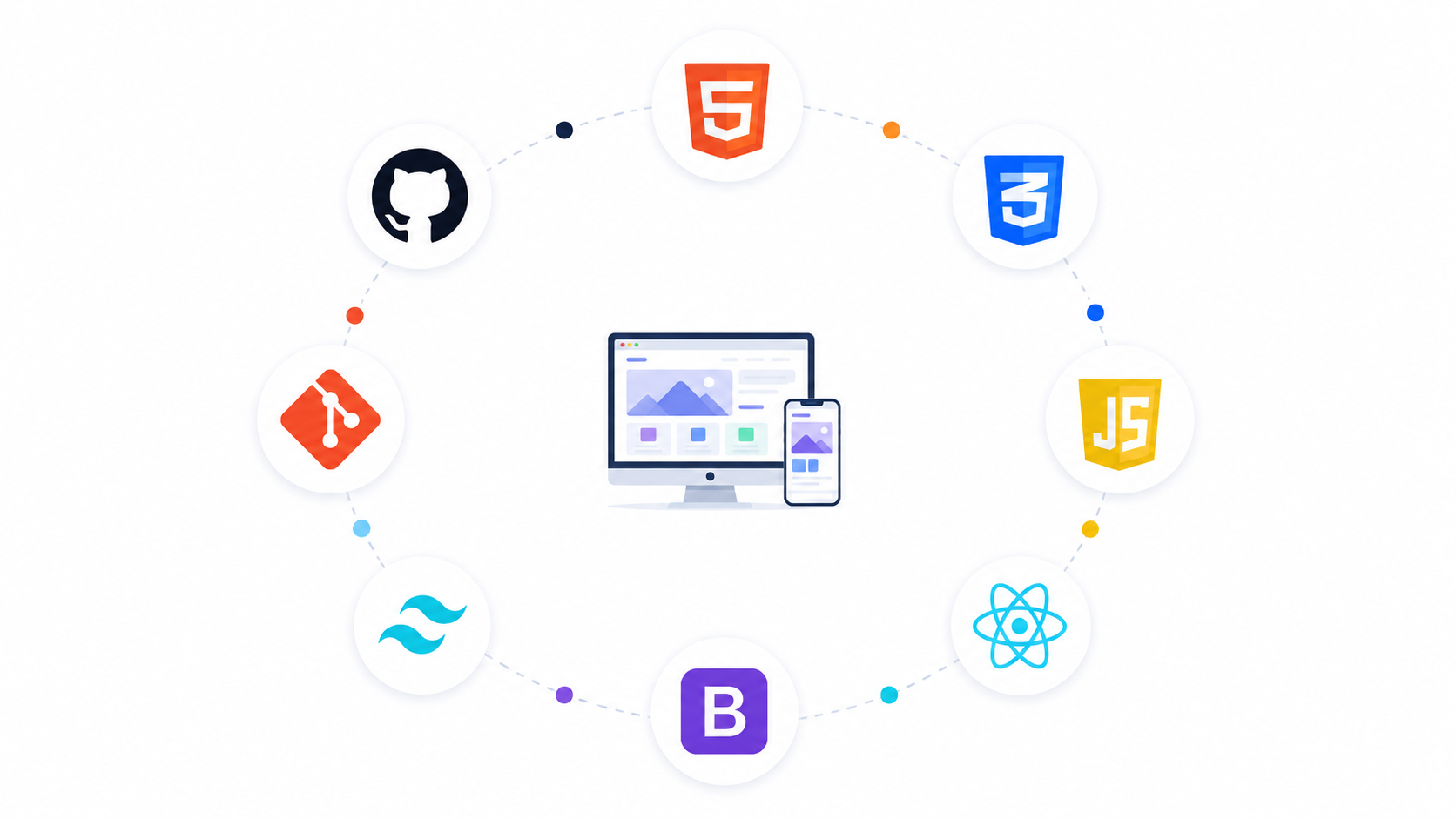
🌐 Everything that runs inside the browser — anything users can see, click, read, or interact with.
👨💻 Front-end devs build: layout, buttons, nav bars, forms, images, animations, menus, responsive design, UI.
🛠️ Core Technologies
Tech | Role | Analogy |
|---|---|---|
🏗️ HTML | Structure (headings, buttons, forms) | Skeleton |
🎨 CSS | Styling (colors, fonts, layout, spacing) | Clothes & makeup |
⚡ JavaScript | Interactivity (clicks, menus, sliders, validation) | Brain |
📦 Front-End Stack
Basic: HTML + CSS + JavaScript
Modern additions: ⚛️ React, 🅰️ Angular, 💚 Vue, 🔄 Redux, 📡 GraphQL — for bigger, complex apps
⚙️ Back-End Development
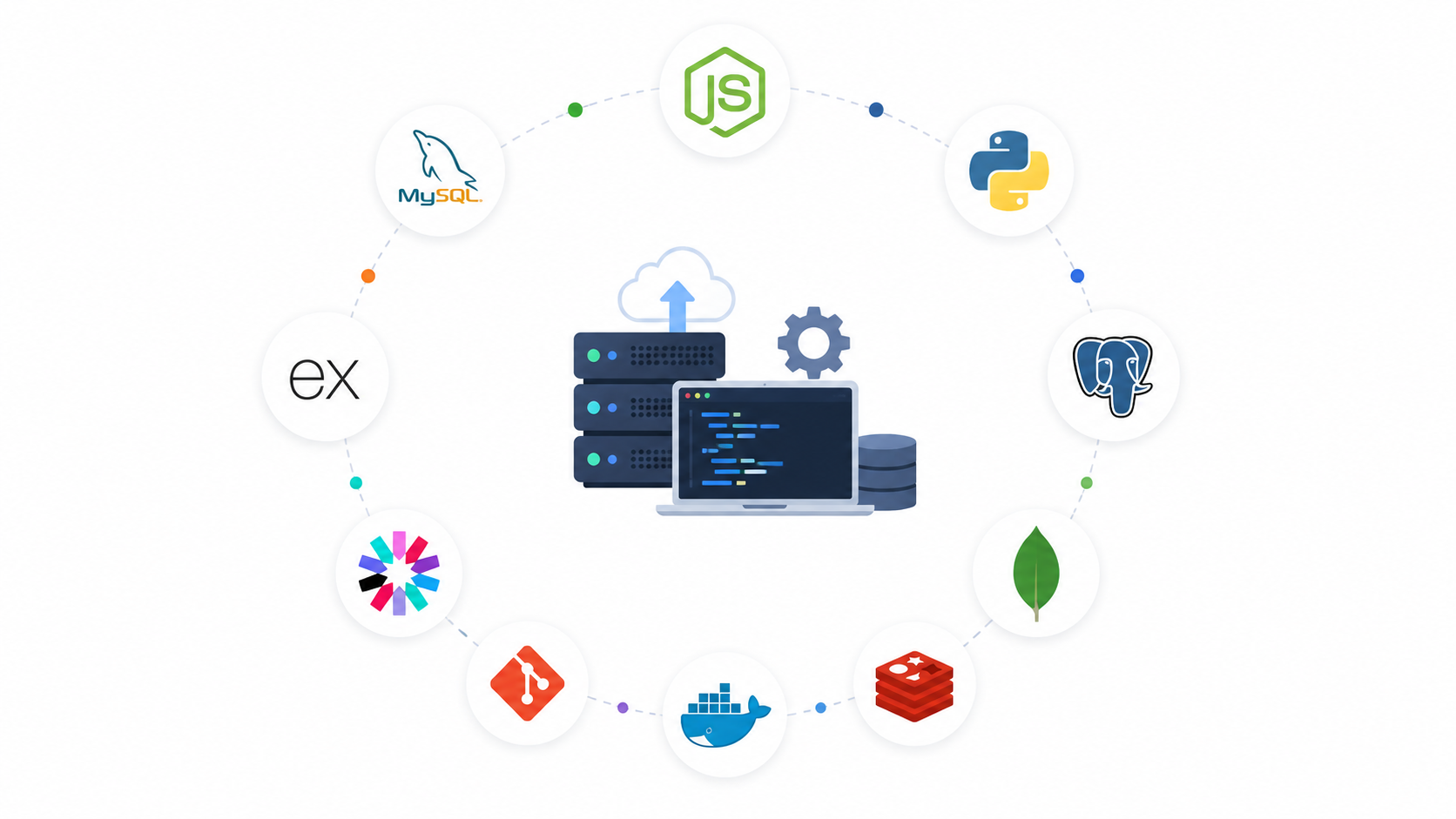
Everything that happens on the server, invisible to users — handles logic and data.
🖥️ What is a Server?
💻 A computer connected to the internet whose job is to respond to requests.
📁 Stores files (HTML, CSS, JS, images, videos, docs)
🌐 Runs an HTTP server — software that understands URLs and HTTP requests/responses, bridging front-end and back-end.
📡 HTTP Server in Action
Browser requests
https://example.com/about→ HTTP server receives it → finds the page → sends it back.
🛠️ Common Back-End Tasks
👤 User management — create/update/delete accounts
🔐 Authentication — login, logout, password checks
📧 Emails — welcome, password reset, order confirmations
💳 Payments — cards, UPI, etc.
🗄️ CRUD operations — Create, Read, Update, Delete data
✨ Dynamic content — different content per user (e.g. "Welcome, Rahul" vs "Welcome, Priya")
📄 Static vs ⚙️ Dynamic Servers
Type | What it does | Good for |
|---|---|---|
📄 Static | Serves existing files as-is, no logic/database | Portfolios, landing pages, blogs |
⚙️ Dynamic | Runs app code — processes data, logins, calculations, generates pages | Facebook, Instagram, Amazon, Netflix |
🧩 Dynamic Server Components
Component | Role |
|---|---|
🌐 HTTP Server | Receives requests |
🧠 Application | Business logic (login, search, payments, filtering) |
🗄️ Database | Stores data (users, products, orders, messages) |
🗄️ Why a Database?
💾 Stores data permanently — accounts, passwords, products, prices, cart items, orders, reviews, messages.
⚠️ Without one, data disappears every time the server restarts.
🚀 Back-End Stacks
This course's stack: 🟢 Node.js (runs JS on the server) + 🍃 MongoDB (NoSQL database)
🌍 Other Popular Stacks
Language | Database |
|---|---|
🐘 PHP | 🐬 MySQL |
🐍 Python | 🐘 PostgreSQL |
☕ Java | 🐬 MySQL |
💎 Ruby on Rails | 🐘 PostgreSQL |
🟢 Node.js | 🍃 MongoDB |
👨💻 Full-Stack Development
A Full-Stack Developer handles both sides:
🎨 Front-end: HTML, CSS, JS, React
⚙️ Back-end: Node.js, Express.js, MongoDB, APIs, auth, databases
🟢 Where Node.js Is Used
Mainly: web servers, APIs, web apps, databases, auth, real-time apps (chat/notifications)
🚀 Also used in niche areas: robotics, IoT, drones, hardware — but most developers use it for server-side web apps.
📝 Summary
🎨 Front-End | ⚙️ Back-End |
|---|---|
Runs in the browser | Runs on the server |
Visible to users | Hidden from users |
HTML, CSS, JavaScript | Node.js, databases, APIs |
Builds the UI | Handles logic & data |
Focuses on interaction | Focuses on processing & storage |
Full Stack = HTML + CSS + JS + Node.js + MongoDB
🎉 Final Takeaway
Understanding the browser, server, HTTP server, application, and database shows the full journey — from a user's request 📨 to the final page 🖥️ rendered on screen.