📖 Purpose of This Note
Move from theory to practice by using Chrome DevTools to actually observe real HTTP requests and responses happening when browsing a website.
🛠️ Step 1: Open DevTools on a Real Website
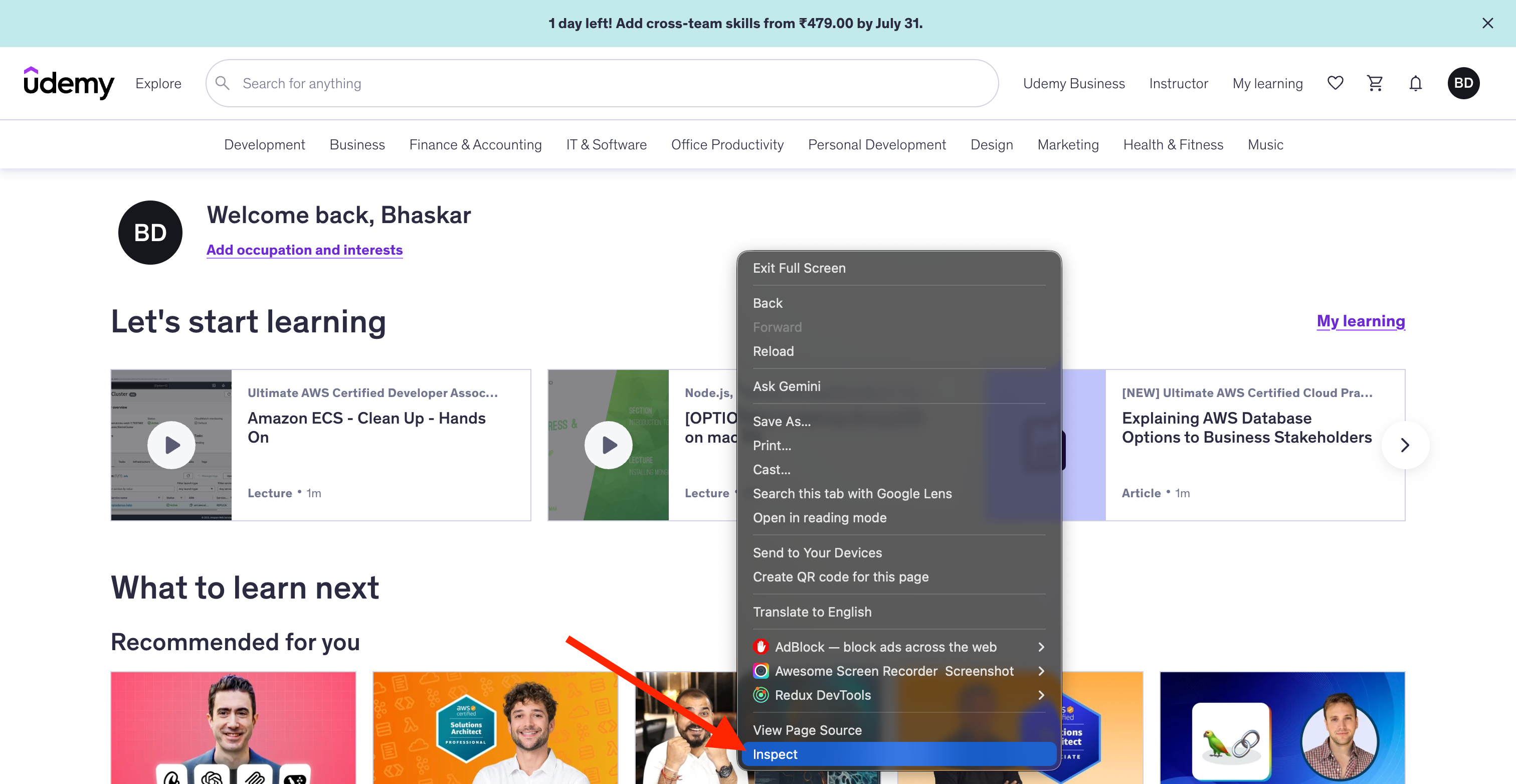
🌍 Go to a website in Chrome — the example used is udemy.com.
🧰 Open Developer Tools:
Mac: Cmd + Option + J
Windows: Alt + Ctrl + J
Or: Right-click anywhere on the page → Inspect
🌐 Step 2: Go to the Network Tab
Click the Network tab.
🔄 Reload the page to start capturing all network activity.
📊 Step 3: Understanding the Network Tab Overview
🔄 Once the page reloads, the Network tab fills with a list of every request made to load the page — confirming what was explained in the previous theory lecture: a single webpage triggers many separate requests.
👀 What You'll See
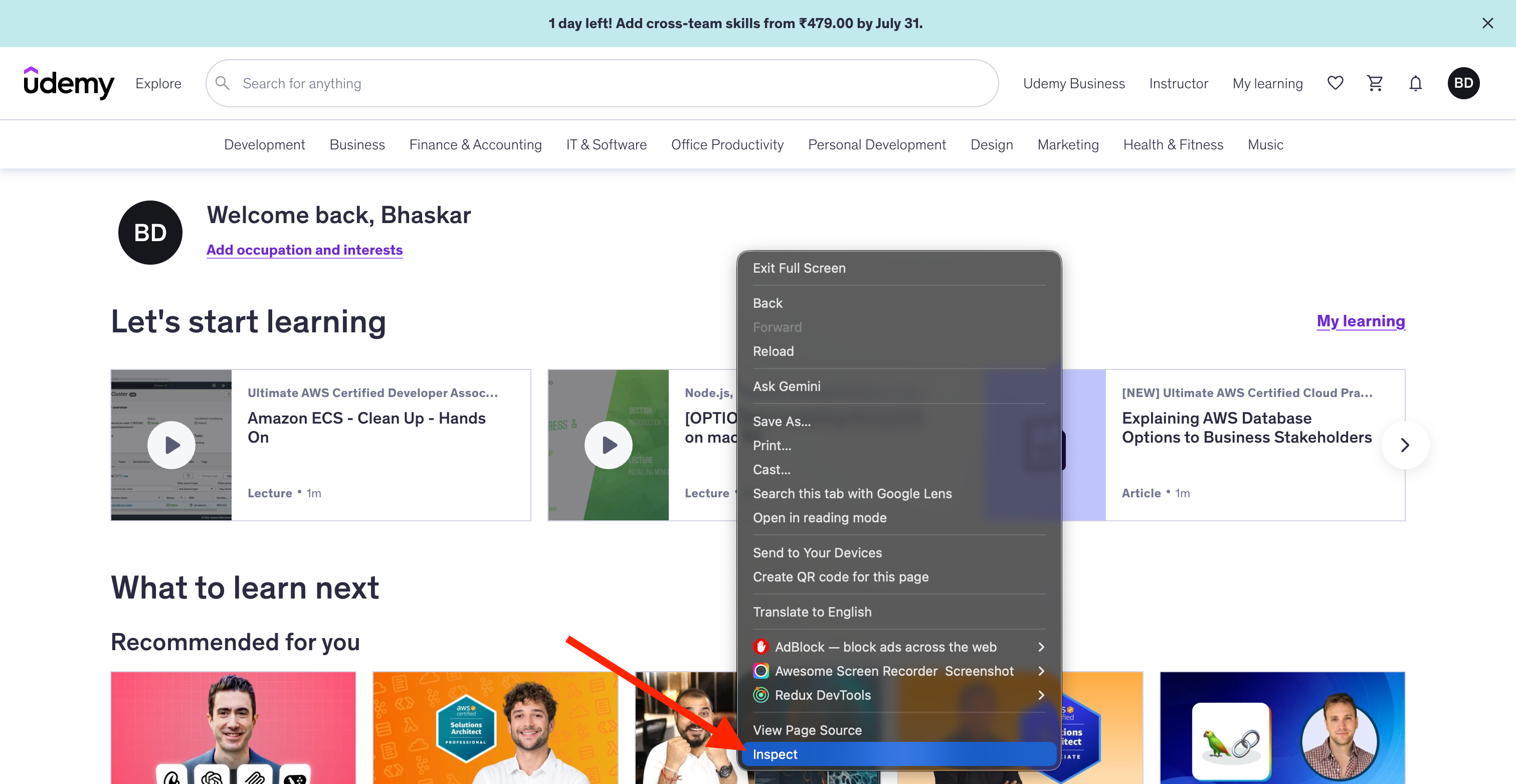
📄 The first request at the top is for the main page itself:
udemy.com.📦 Following that, many more requests appear — for:
Fonts
JavaScript files
CSS Files
Other assets
Columns Shown for Each Request
📌 Column | 💡 Meaning |
|---|---|
✅ Status | HTTP status code (e.g. |
📦 Size | Size of the downloaded resource |
⏱️ Time | Download time |
🚀 Initiator | What triggered the request |
🔍📄 Step 4: Inspecting an Individual Request (udemy.com)
🖱️ Clicking on the udemy.com entry reveals detailed information, split into two main areas.
📨 The Request (shown at the bottom of the panel)
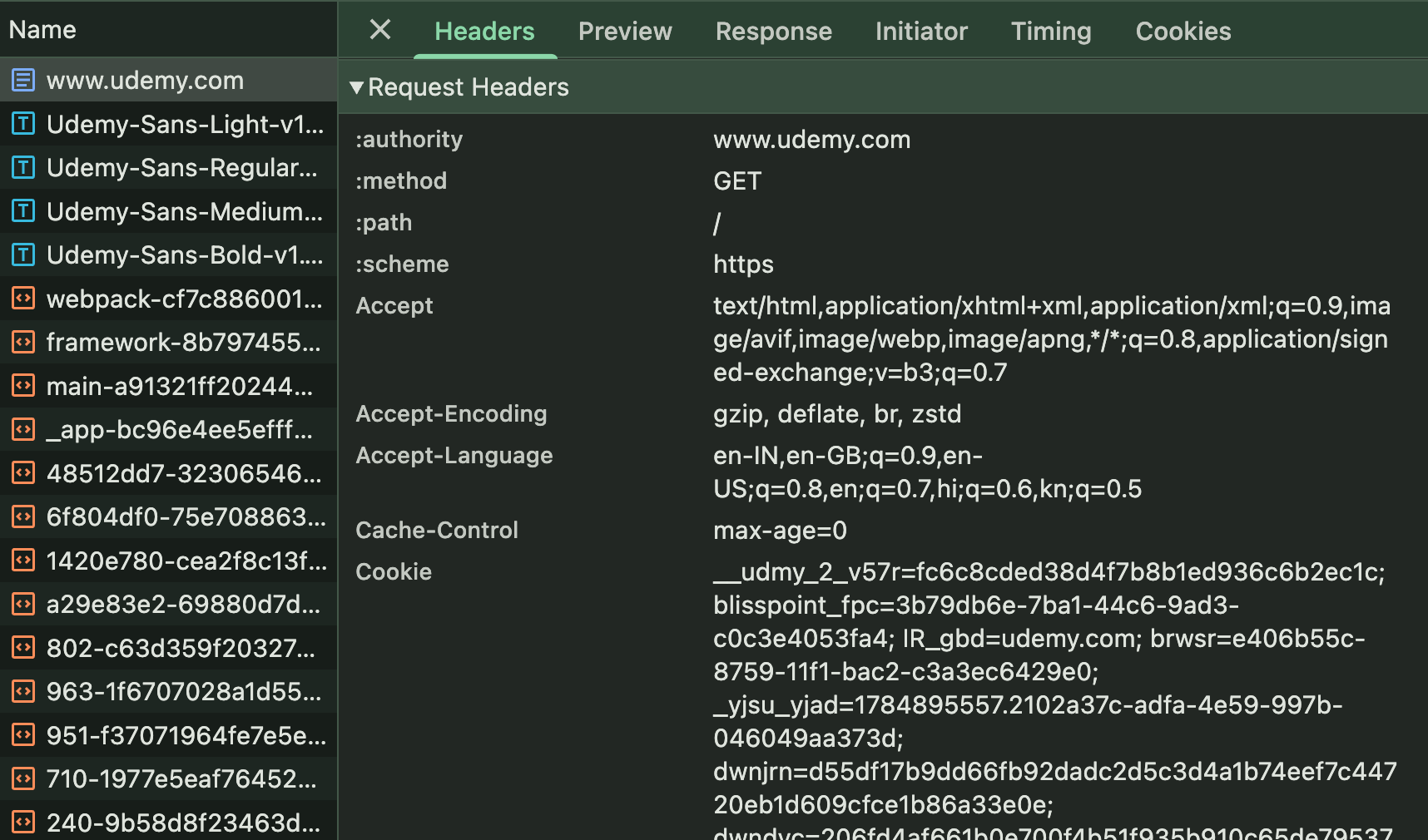
📥 Method:
GET📂 Path:
/(the root)📑 Headers: gzip compression info, cookies, and more
📤 The Response
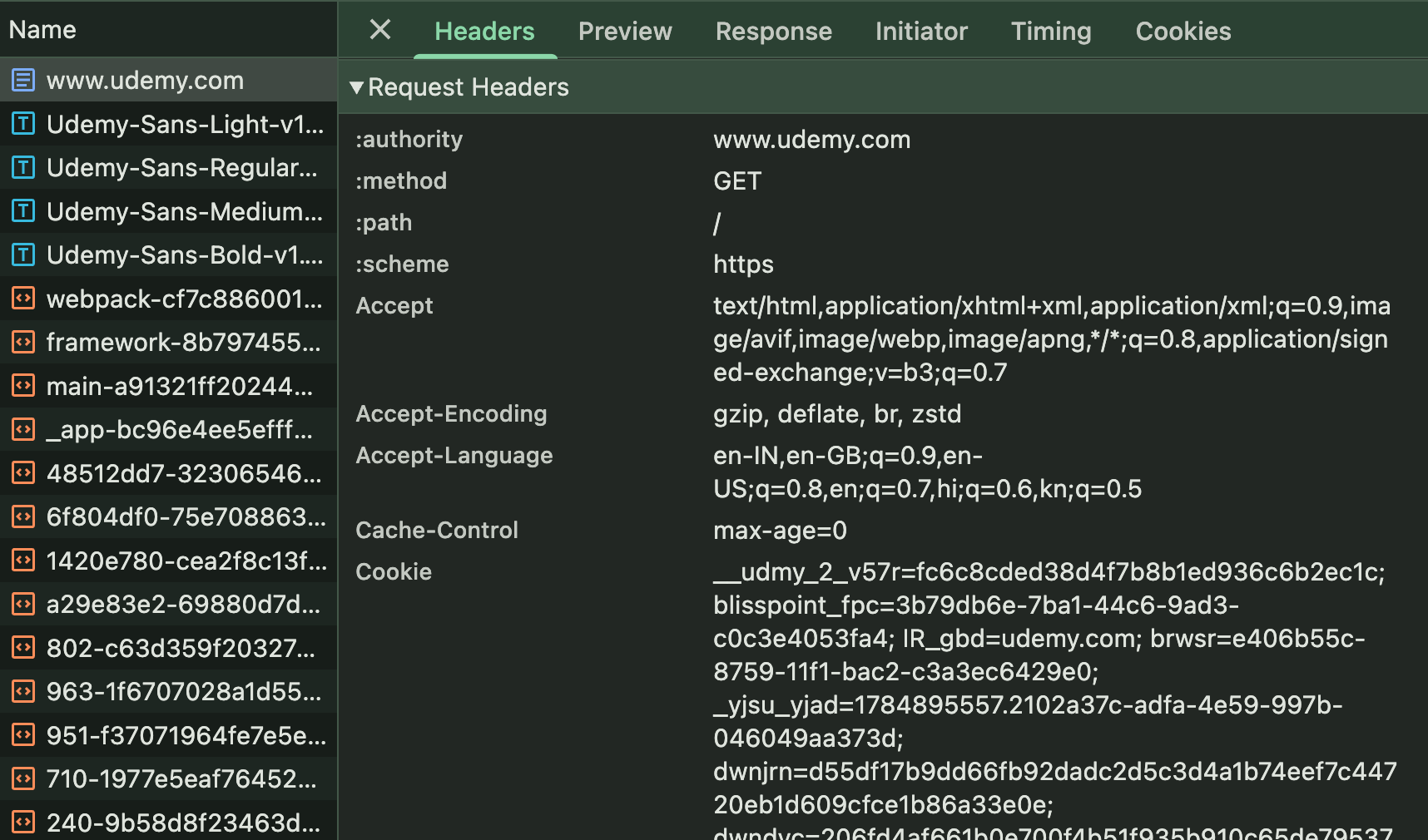
🕒 Response time
🍪 Cookies set
✅ Status code:
200 OK
🤫 Additional DevTools Features
🖼️ Image preview — thumbnail for image requests
👀 Response preview — view raw HTML/text content
🍪 Cookies tab — summary of cookies set during the request
💡 Cookies haven't been explained in detail yet — this is just an initial exposure. They'll be covered more thoroughly later in the course.
🎯 Quick Reference
📌 Concept | 🔍 Where to Find It |
|---|---|
🌐 Multiple requests per load | Network tab request list |
📥 HTTP method | Request details |
📂 Path/resource | Request details |
✅ Status code | Request list & response headers |
📑 Request headers | Compression, cookies, etc. |
📤 Response headers | Timing, cookies, status |
👀 Response body | Preview/Response tab |
🚀 Initiator | Shows what triggered the request |