When communicating with an LLM via the API, there are two main types of prompts you need to know:
🖥️ System Prompt
This is the behind-the-scenes instruction given to the model before the conversation begins. It sets the tone, behavior, and personality of the AI.
Think of it as giving the AI its job description before it starts work.
▶️ Create a new code cell and run it:
system_prompt = "You are a helpful assistant who explains complex topics in simple, beginner-friendly language."👤 User Prompt
This is the actual message or question from the user. It's what you want the AI to respond to.
Think of it as the question you ask after the AI has been briefed.
▶️ Create a new code cell and run it:
user_prompt = "Can you explain what a Large Language Model is?"🔗 How They Work Together
In the OpenAI API, both prompts are passed together inside the messages list like this:
▶️ Create a new code cell and run it:
messages = [
    {"role": "system", "content": system_prompt},
    {"role": "user", "content": user_prompt}
]

response = openai.chat.completions.create(model="gpt-4o-mini", messages=messages)
print(response.choices[0].message.content)
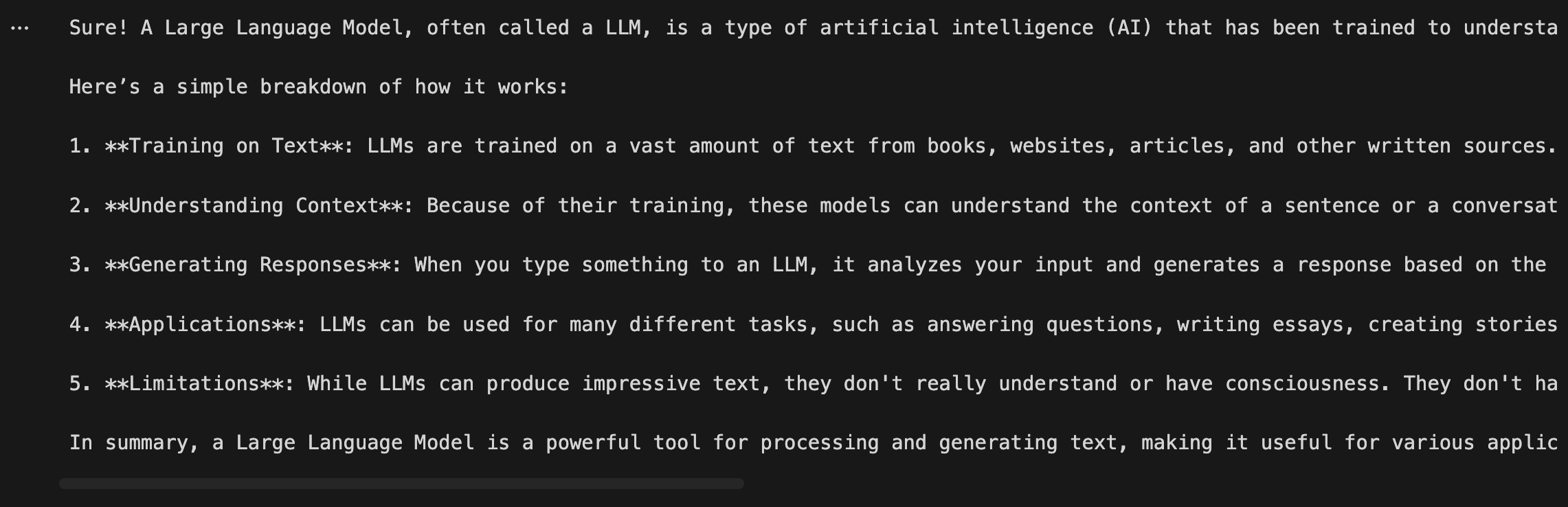
Expected Output
🧠 Quick Summary
Type | Role | Purpose |
|---|---|---|
🖥️ System Prompt |
| Sets AI behavior & personality |
👤 User Prompt |
| The actual question or request |
💡 A well-crafted system prompt can completely transform how the AI responds — even to the same user question!