🔹 What is a React Fragment?
A React Fragment lets you group multiple elements without adding an extra DOM node.
In React, a component must return a single parent element.
Fragments solve this problem without using unnecessary <div> wrappers.
❌ Problem Without Fragment
function Profile() {
  return (
    <h1>Bhaskar</h1>
    <p>Frontend Developer</p>
  );
}
❌ Error:
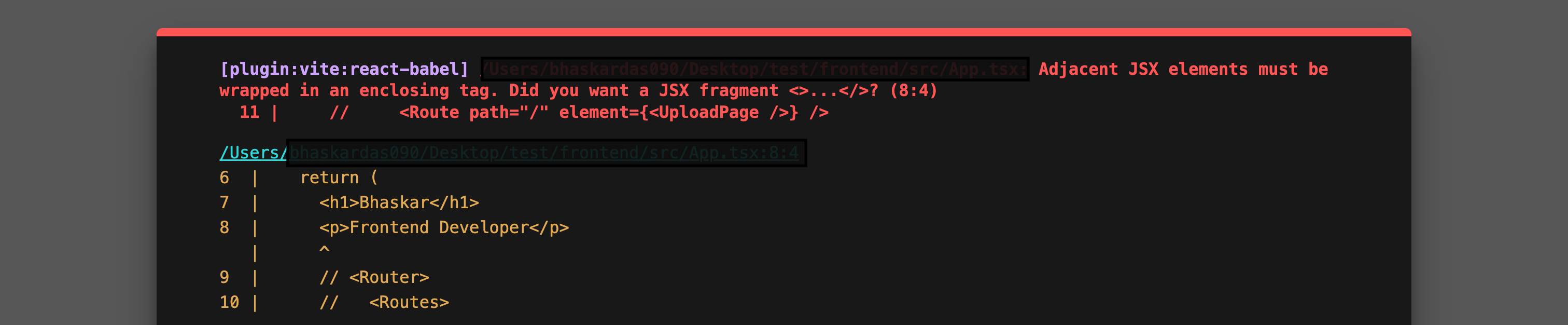
Adjacent JSX elements must be wrapped in an enclosing tag
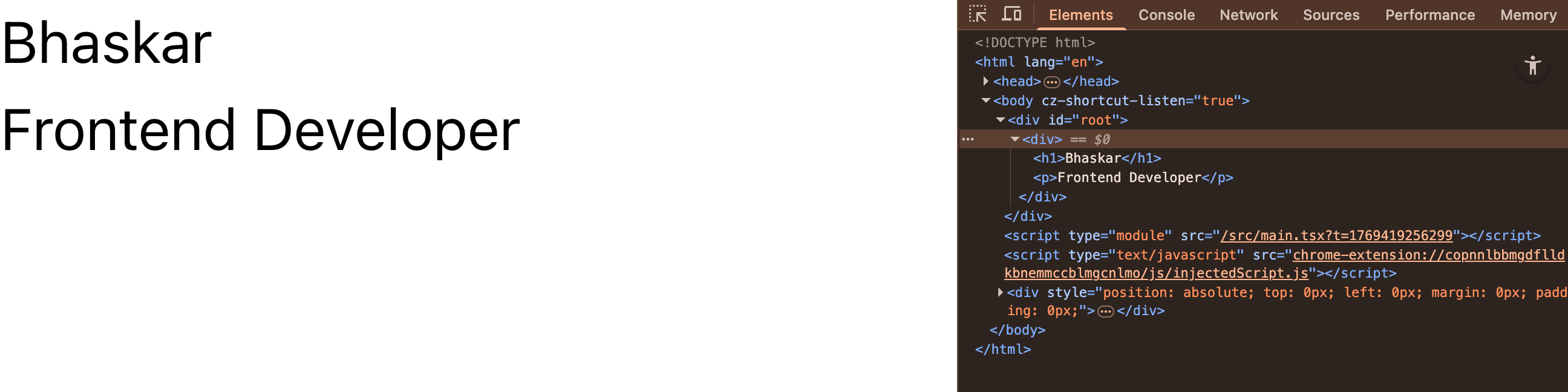
✅ Solution Using <div> (Not Ideal)
function Profile() {
  return (
    <div>
      <h1>Bhaskar</h1>
      <p>Frontend Developer</p>
    </div>
  );
}
⚠️ Works, but adds an extra <div> to the DOM.
✅ Solution Using React Fragment
import React from 'react';

function Profile() {
  return (
    <React.Fragment>
      <h1>Bhaskar</h1>
      <p>Frontend Developer</p>
    </React.Fragment>
  );
}
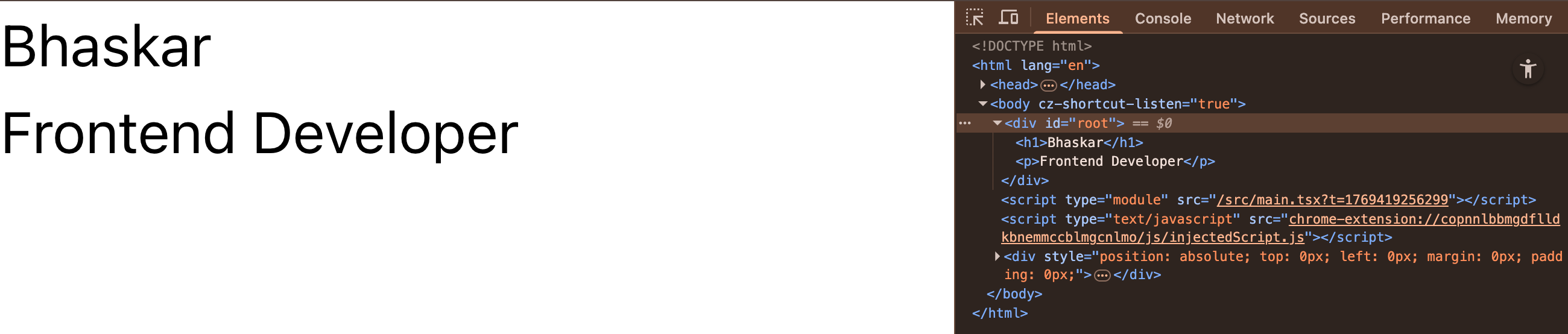
✔️ No extra DOM element
✔️ Clean HTML structure
✨ Short Syntax (<> </>)
function Profile() {
  return (
    <>
      <h1>Bhaskar</h1>
      <p>Frontend Developer</p>
    </>
  );
}
📌 This is the most commonly used fragment syntax.
🧠 Why Use React Fragment?
Avoids unnecessary
<div>wrappersKeeps clean and semantic HTML
Improves DOM performance
Required in tables, lists, and layout-sensitive UI
📊 Fragment vs Div
Feature | Fragment | div |
|---|---|---|
Adds extra DOM node | ❌ No | ✅ Yes |
Clean HTML | ✅ Yes | ❌ No |
Styling possible | ❌ No | ✅ Yes |
Supports keys | ✅ Yes | ✅ Yes |
🔑 Fragment with key (List Rendering)
Short syntax does NOT support keys ❌
Use full syntax when keys are required.
function List() {
  return items.map(item => (
    <React.Fragment key={item.id}>
      <h3>{item.title}</h3>
      <p>{item.description}</p>
    </React.Fragment>
  ));
}
🚫 When NOT to Use Fragment
When you need styling
When you need className or id
When a wrapper element is semantically required