📈 Scale of npm
npm is the largest software registry in the world, across any programming language.
At the time of this recording, it hosted around 4million packages
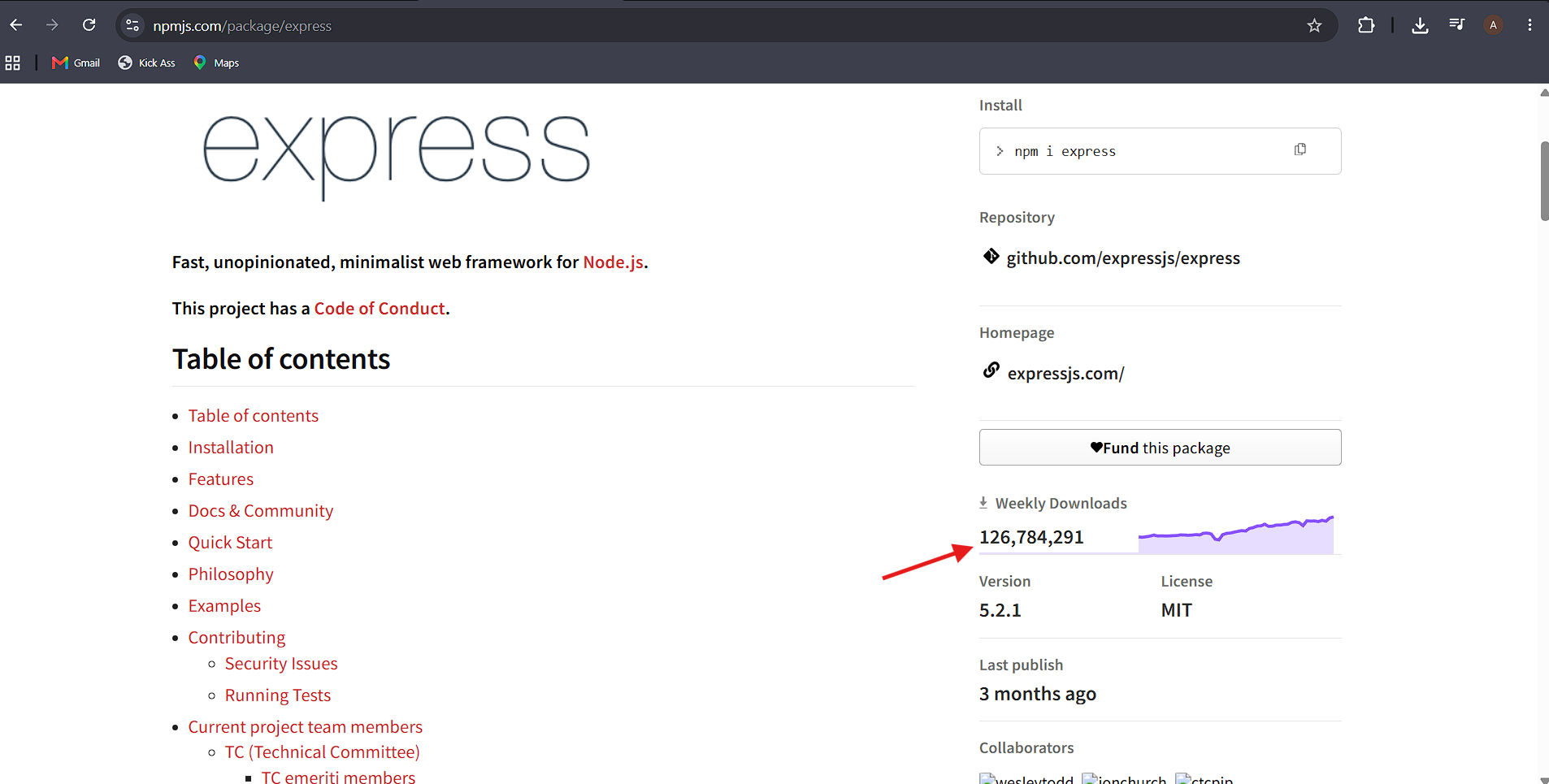
🔍 Example: searching for Express (a Node.js framework used later in the course) on npmjs.com shows package details like:
📊 Weekly download counts (Express had ~10 million downloads/week — a hugely popular package).
📖 Documentation and usage info.
🌐 Not Just for Node.js
⚛️ npm isn't only for backend/Node development — it's used across the entire JavaScript ecosystem, including frontend libraries and frameworks like React.
💡 If you've done frontend development before, you've likely already used npm.
🚀 Step 1: Starting a New Project with npm
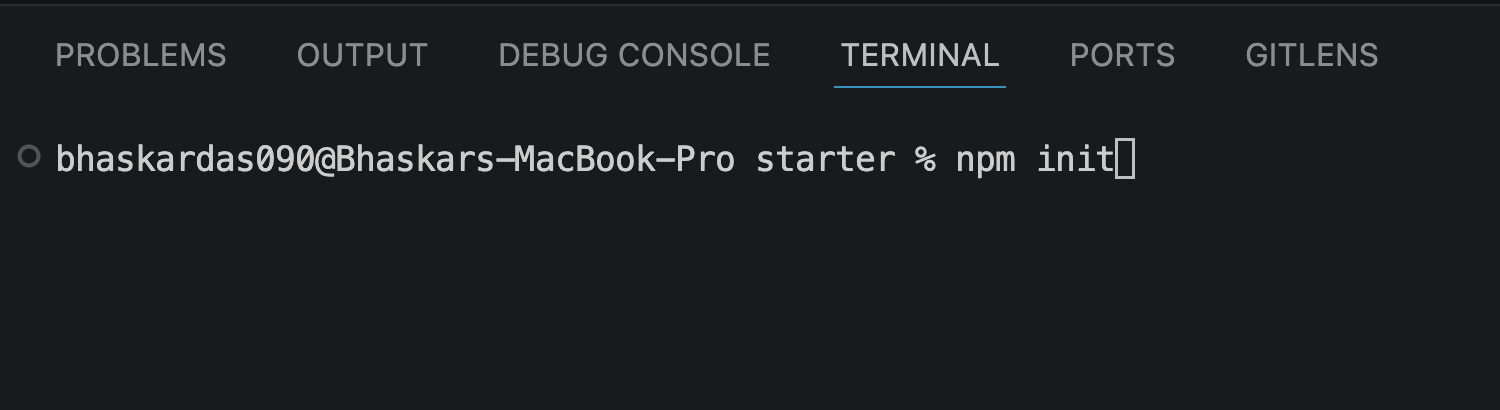
▶️ Every new Node.js project typically starts with :
npm initMake sure your terminal is in the
1-node-farmstarterdirectory
📝 What This Does
📄 Creates a
package.jsonfile — a configuration file for your project.📦 This file stores important metadata about your project (name, version, description, etc.) and will later also keep track of every package you install.
⚙️ Step 2: Answering the npm init Prompts
💬 Running
npm initasks a series of questions in the terminal. Here's what each one means:
❓ Prompt | 💡 What It's Asking | 📝 Example Answer Given |
|---|---|---|
📦 package name | The project's name (must be URL-friendly — lowercase, hyphens instead of spaces) |
|
🔢 version | The starting version number | Default (just press Enter) |
📝 description | A short description of the project |
|
🚀 entry point | The main file that starts the app |
|
🧪 test command | Command to run tests (not set up yet) | Left blank (press Enter) |
🏷️ keywords | Tags to help others find the package (not important here) | Left blank |
👤 author | Your name | Your own name |
📜 license | The project's license type | Default (e.g., ISC) |
✅ After answering, npm asks for a final confirmation ("Is this OK?") — type
yes(or just press Enter) to confirm.
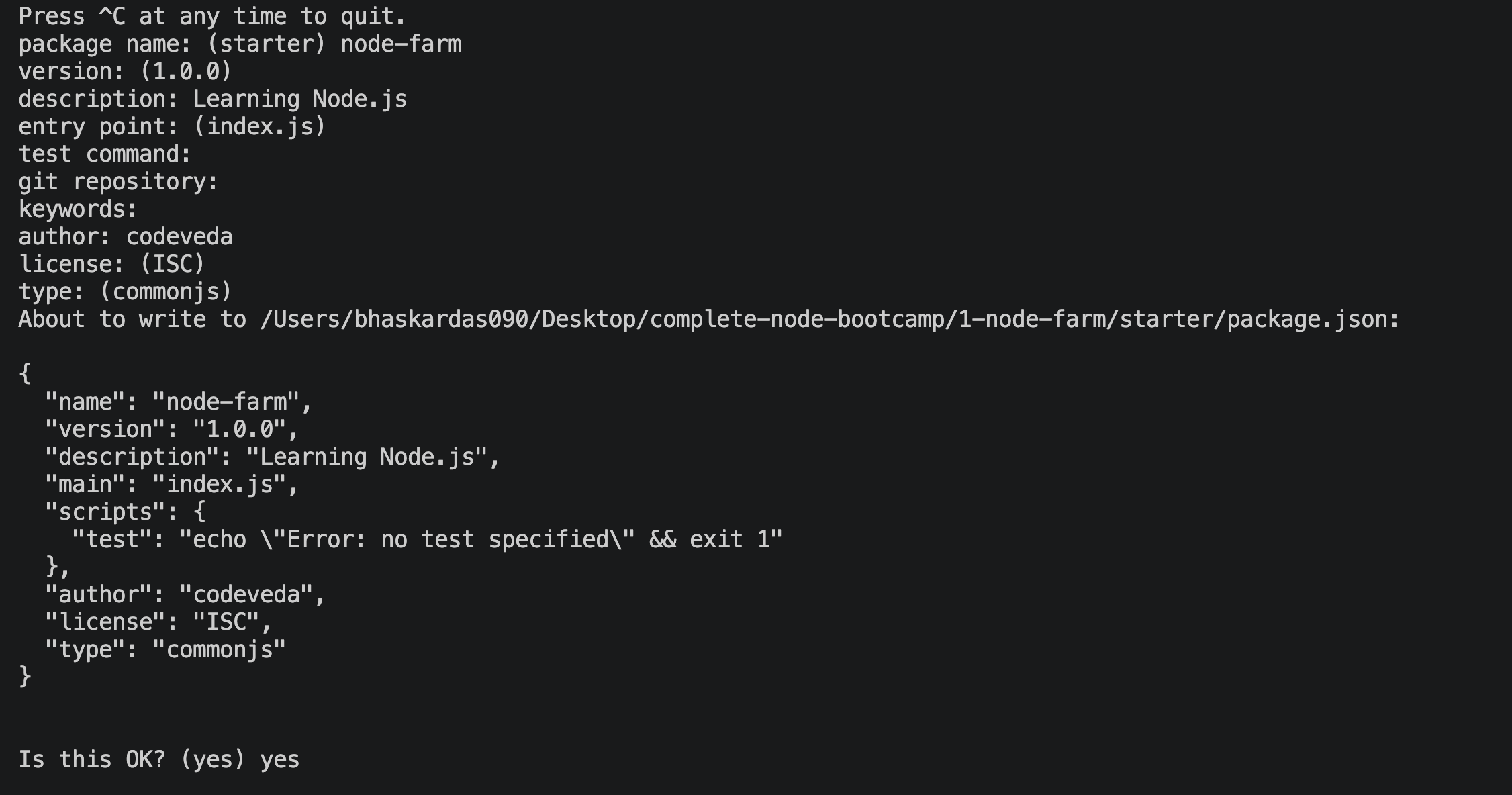
✅ Result
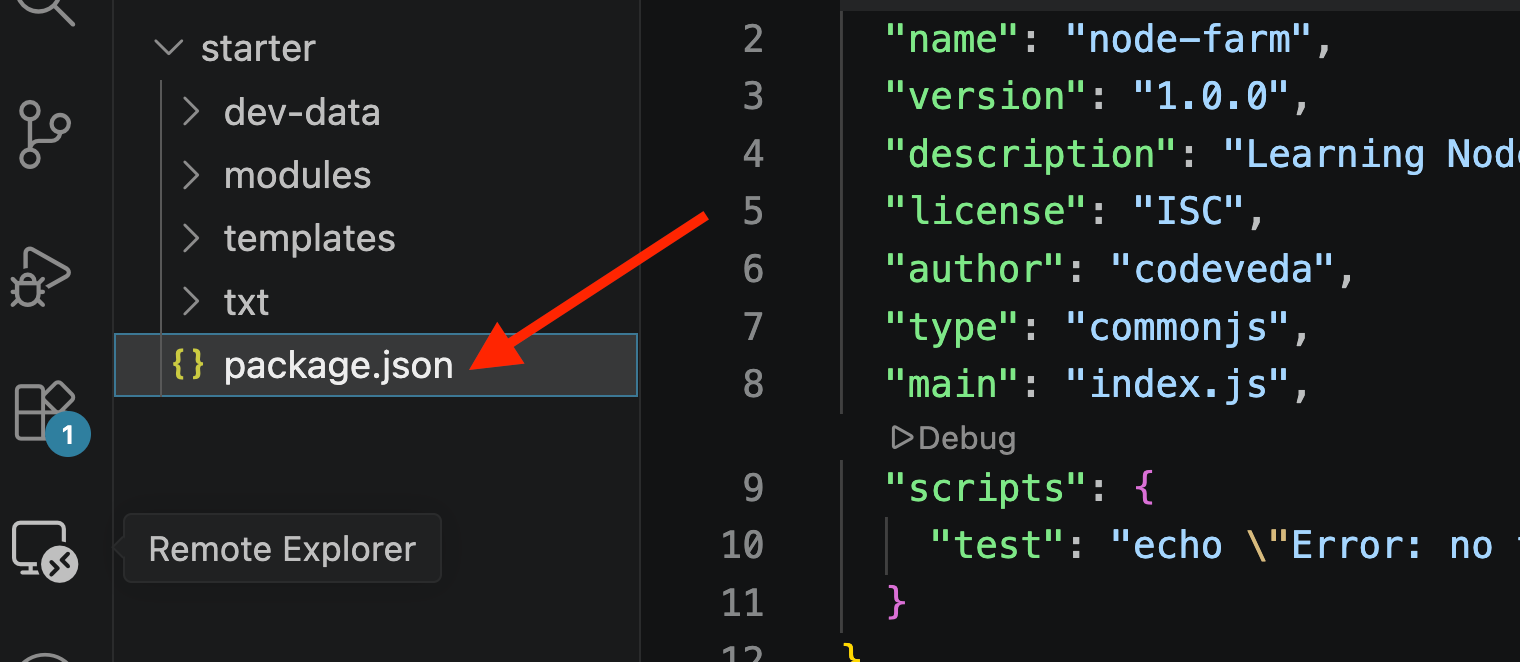
A
package.jsonfile is created immediately in the project's root folder, containing all this basic information.This file will be expanded later — especially once actual packages are installed, since npm automatically records installed packages inside
package.json.
⌨️ Key Terminal Reminder
🛑 To stop a running Node process (like the earlier server), use Ctrl + C, then 🧹 clear the terminal before running new commands like
npm init.
🎯 Key Takeaways
📌 Concept | 💡 Explanation |
|---|---|
📦 npm | Both the CLI tool (installed with Node.js) and the online package registry (npmjs.com) |
🧩 Package | A reusable piece of open-source code (library/framework) published to npm |
Where you can search, browse, and view info/stats about any published package | |
🚀 | Command to start a new project; creates a |
📄 | Stores project metadata (name, version, description, etc.) and tracks installed dependencies |