🎯 The Problem to Solve
App needs to read a large text file from the file system and send it to the client. Explore 3 solutions, from worst to best.
✅ Prerequsite
📥 Grab the starter files for this section and open the project folder.
Download the Repo & Open starter Folder : 2-how-node-works
https://github.com/codevedadev/complete-node-bootcamp
If you already have it open, skip this step.
📄 Create a File streams.js
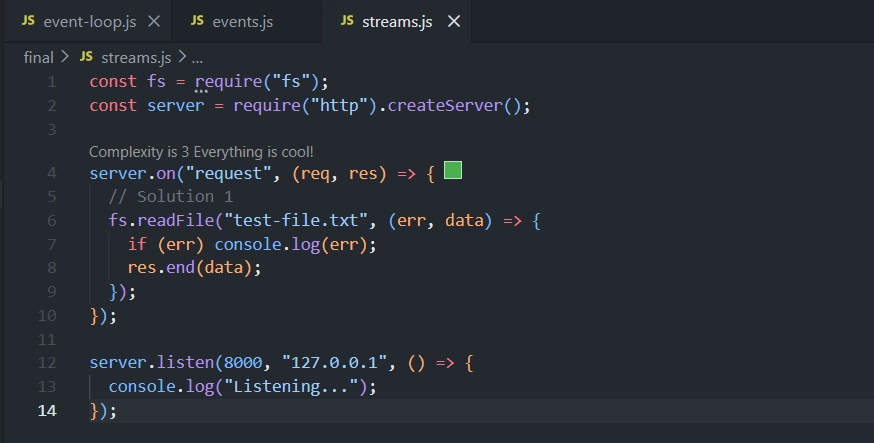
const fs = require("fs");
const server = require("http").createServer();

server.on("request", (req, res) => {
  // Solution 1
  fs.readFile("test-file.txt", (err, data) => {
    if (err) console.log(err);
    res.end(data);
  });
});

server.listen(8000, "127.0.0.1", () => {
  console.log("Listening...");
});
Start the server:
node streams.jsGo to
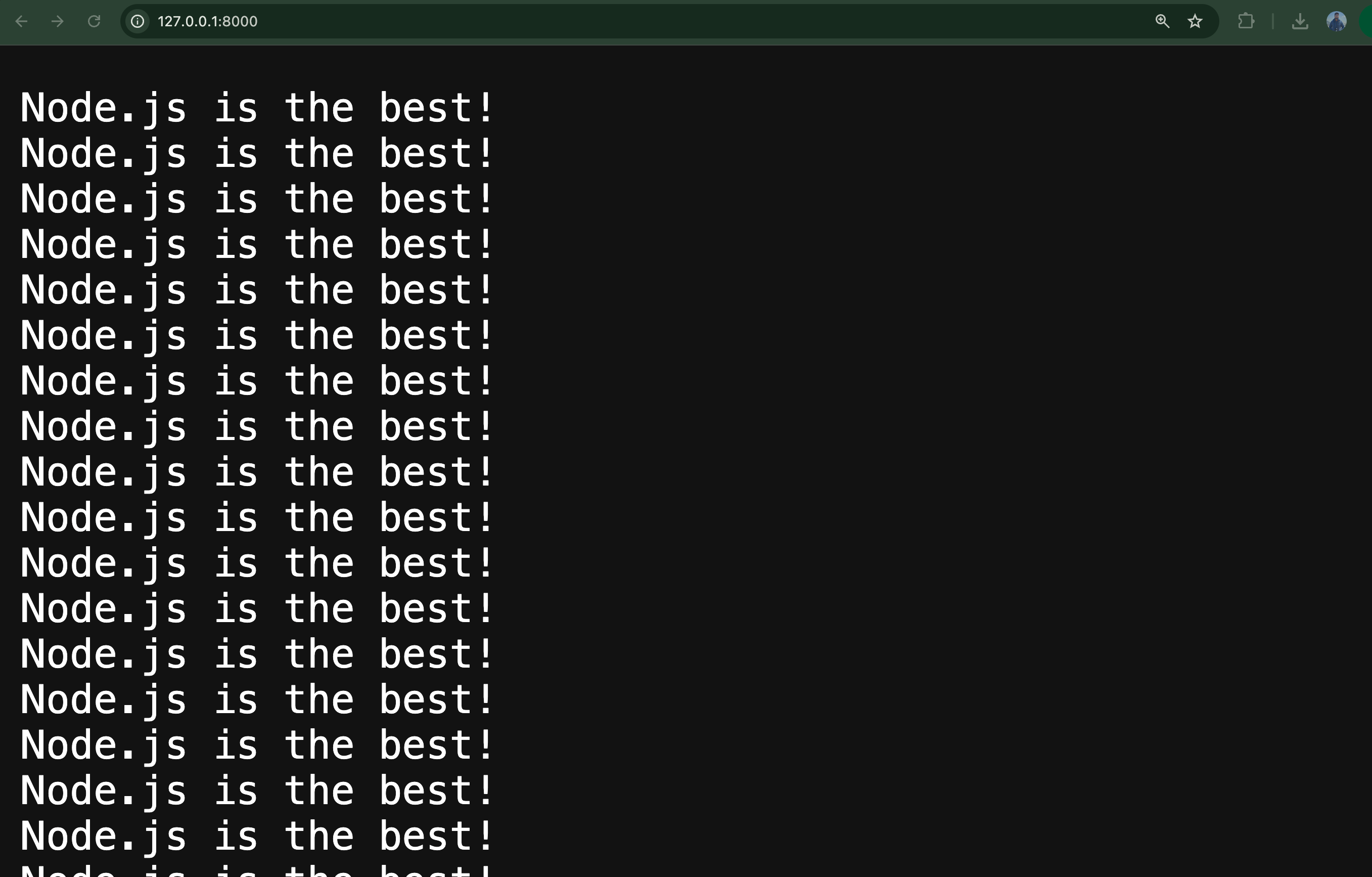
127.0.0.1:8000orlocalhost:8000and check the response
⚙️
http.createServer(callback)— passing the request-handling callback directly, instead of using.on('request', ...)afterward. Same result, less code.
❌ Solution 1: Read the Whole File Into a Variable First
fs.readFile('test-file.txt', (err, data) => {
  if (err) console.log(err);
  res.end(data);
});
📖 Loads the entire file into memory (
data), then sends it all at once.❗ Problem: nothing is sent until the whole file has been read.
👍 Fine for small files/local dev — 💥 crashes in production with big files or many concurrent requests, since memory fills up fast.
⚡ Solution 2: Use a Readable Stream + Manual Events
Instead of loading the whole file into a variable, read it piece by piece and immediately forward each piece to the response — which is itself a writable stream.
🔹 Step 1: Create a readable stream from the file
const readable = fs.createReadStream('test-file.txt');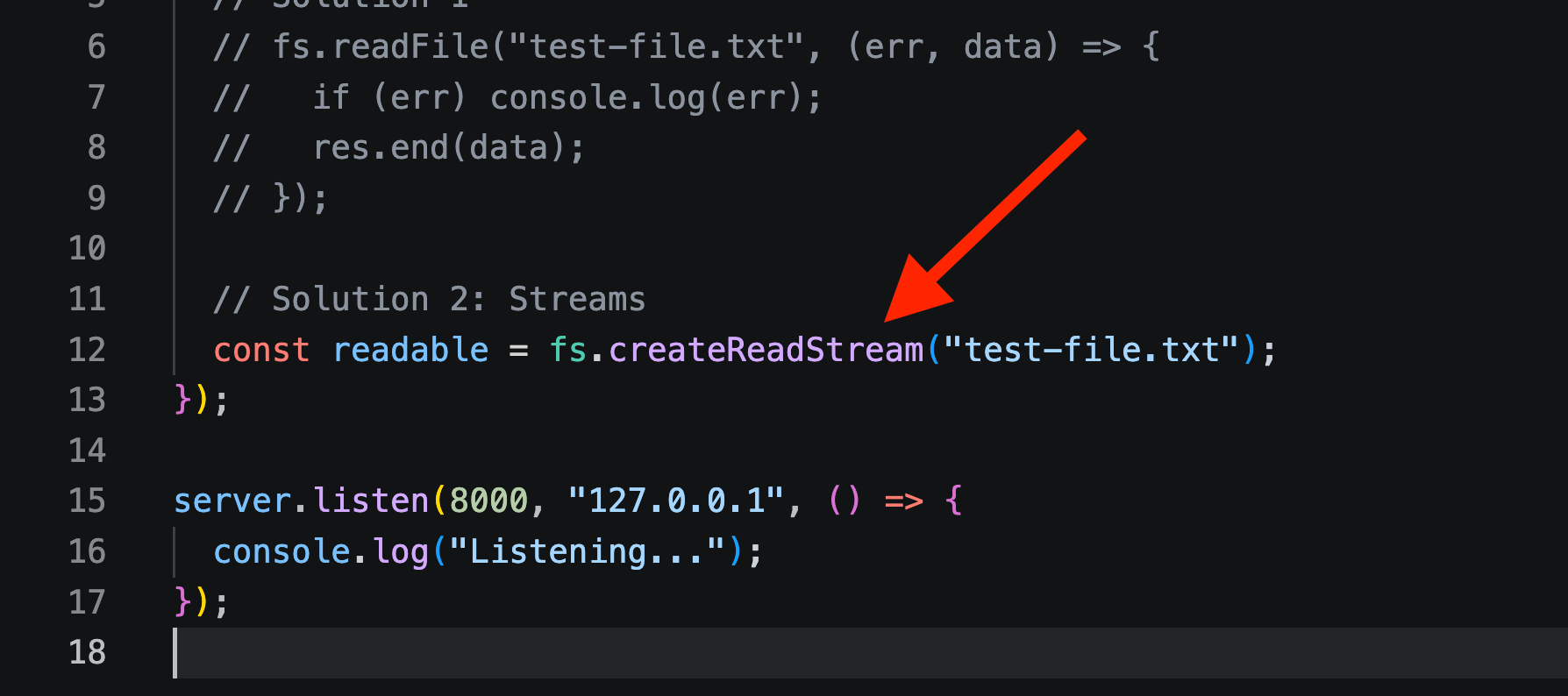
🌊 Creates a stream that lets you consume the file's data piece by piece.
🔹 Step 2: Listen for the data event
readable.on('data', (chunk) => {
  res.write(chunk);
});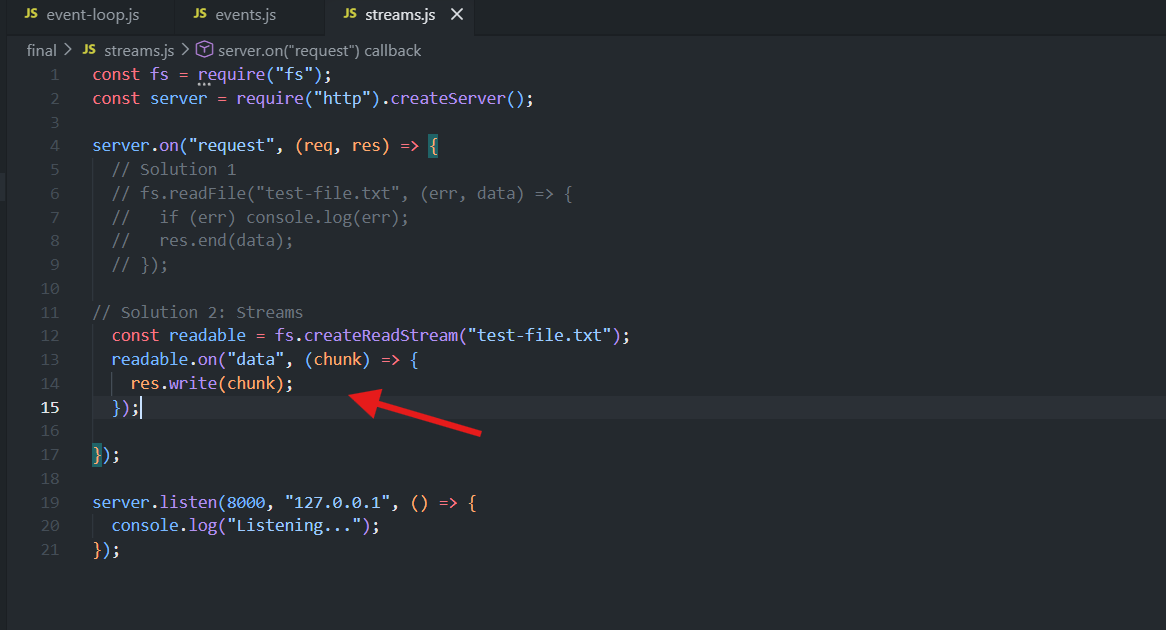
📦 Every time a new chunk of data is available,
datafires.✍️
res.write(chunk)immediately writes that chunk to the response (writable stream) — sending it to the client right away instead of waiting for the whole file.
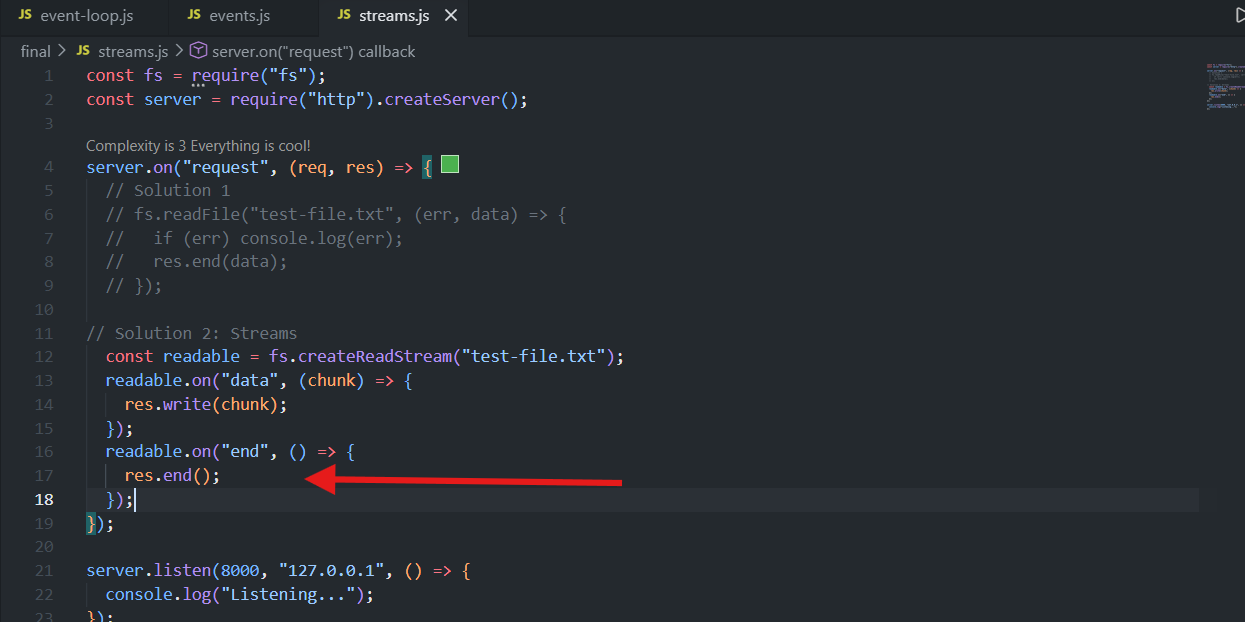
🔹 Step 3: Listen for the end event
readable.on('end', () => {
  res.end();
});
✅ Result
endfires once the readable stream has finished reading the entire file.res.end()(called with no data, since all data was already sent viares.write()) signals that no more data will be written to the response — this is what actually finalizes/sends the response to the client.⚠️ Both
dataandendlisteners are required together — withoutres.end(), the response is never considered complete and will never actually be sent.
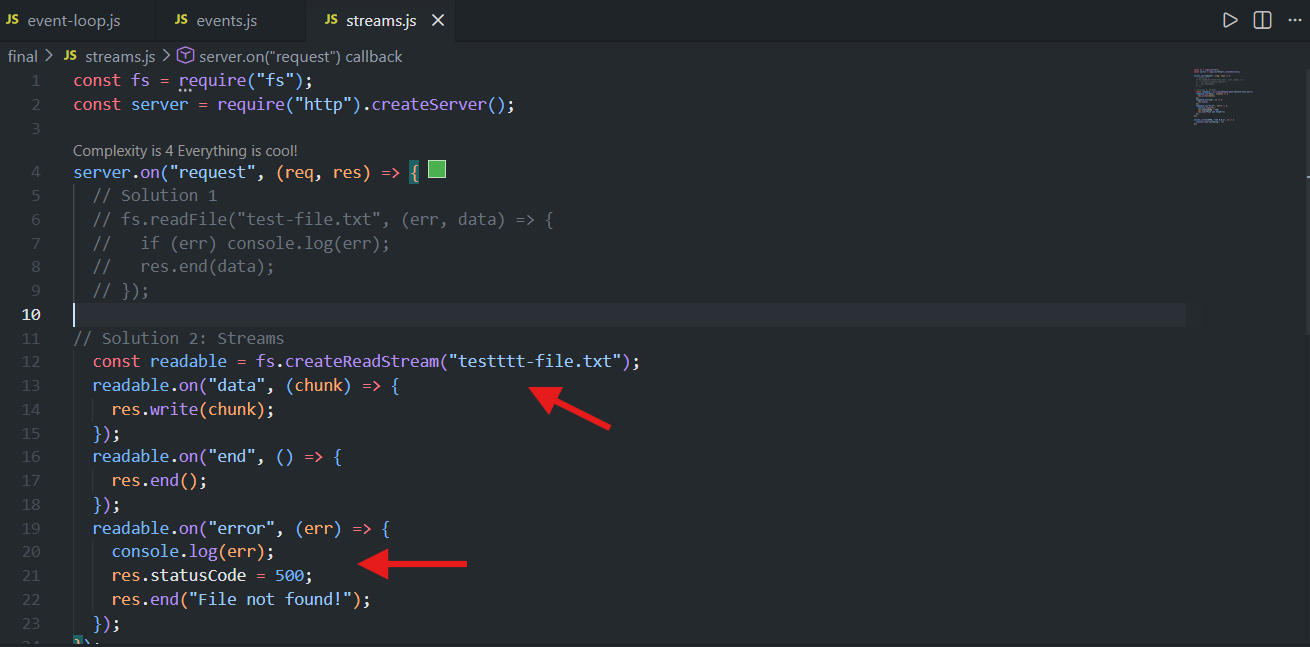
🔹 Step 4: Handle errors
readable.on('error', (err) => {
  console.log(err);
  res.statusCode = 500;
  res.end('File not found');
});
❌
errorevent fires if something goes wrong (e.g. file doesn't exist).🚨
res.statusCode = 500sets an error status (default is 200 = OK). Note: plain Node usesres.statusCode(notres.status(), which is an Express-specific method).📝 Sends a fallback message and logs the error.
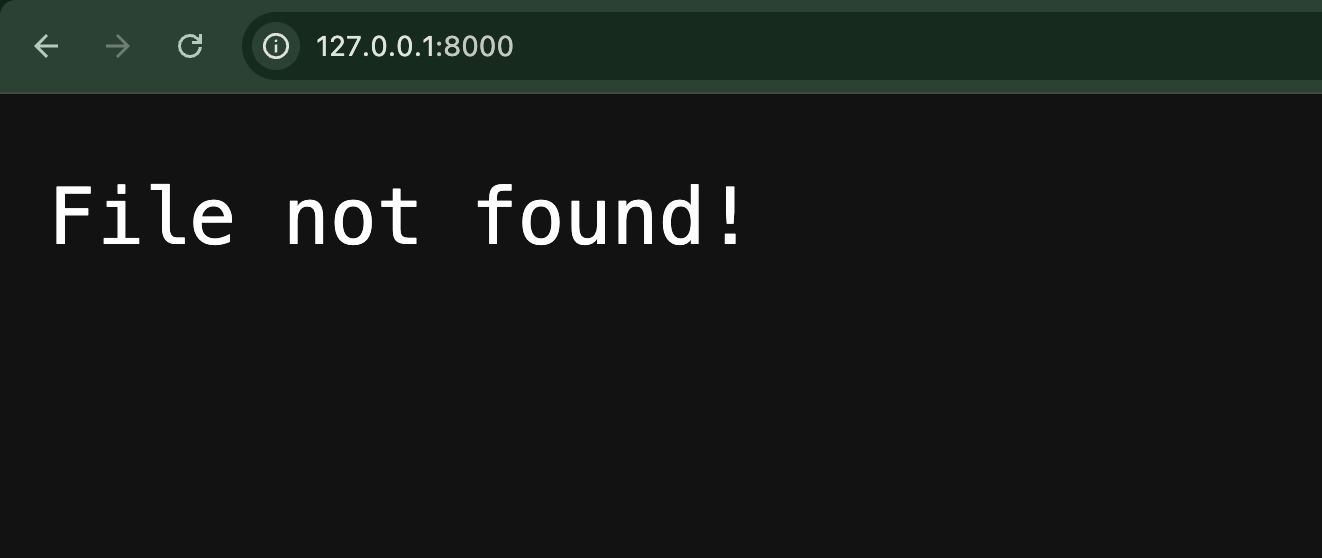
✅ Result: This works and avoids loading the whole file into memory at once — data streams to the client piece by piece.
⚠️ Remaining problem — Backpressure
⚡ The readable stream (reading from disk) is much faster than the writable stream (sending data over the network to the client).
🚧 This speed mismatch overwhelms the response stream, which can't keep up — this issue is called backpressure.
💡 Needs an even better solution.
🏆 Solution 3 (Best): Use .pipe()
const readable = fs.createReadStream('test-file.txt');
readable.pipe(res);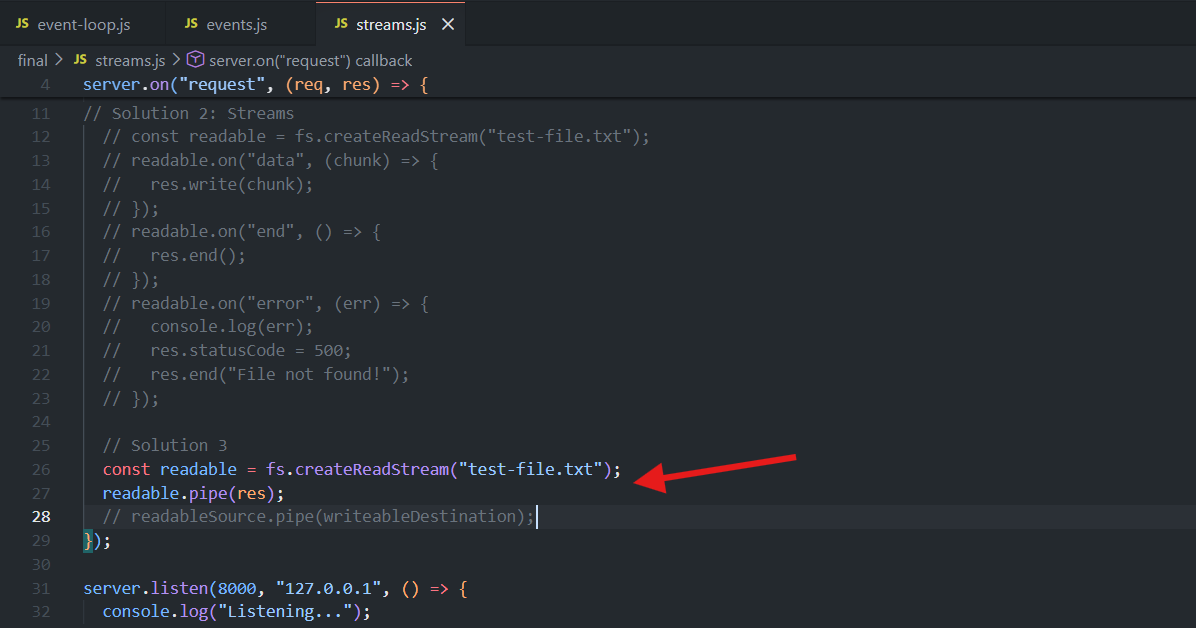
✅ Result
Hope this makes the speed-adjustment (backpressure) difference clear.
🔗
.pipe()is available on every readable stream.📌 General pattern:
readableSource.pipe(writableDestination).📖 Here: source = the file stream, destination =
res(the response).⚡
.pipe()automatically balances the speed difference between the incoming (readable) and outgoing (writable) sides — solving backpressure for you.🤖 Under the hood it's doing roughly what Approach 2 did manually (listening for
data/end, writing/ending accordingly) — just handled internally, with far less code and none of the backpressure risk.
💡 The destination doesn't have to be purely writable — a duplex or transform stream works too, as long as it can be written to.
🧐 Learn More on this
It means .pipe()'s target argument just needs to be writable — it doesn't have to be a "pure" writable stream like res. A duplex or transform stream is also writable (that's part of what makes it duplex/transform), so it qualifies as a valid destination too.
Why this matters in practice
Duplex and transform streams are writable and readable at the same time. So when you pipe into one, you can then pipe out of it into something else — chaining multiple streams together.
Example: compressing a file before sending it to the client
const fs = require('fs');
const zlib = require('zlib');

http.createServer((req, res) => {
  const readable = fs.createReadStream('test-file.txt');
  const gzip = zlib.createGzip(); // 🔀 transform stream — writable AND readable

  readable
    .pipe(gzip)  // 👈 pipe into a transform stream (not res!)
    .pipe(res);  // 👈 pipe gzip's output into res

  res.setHeader('Content-Encoding', 'gzip');
});
Walking through it:
readable.pipe(gzip)—gzipis the destination here, and it's not purely writable likeresis. It's a transform stream: it accepts written data (readable file chunks) and compresses it and makes the compressed result available to read..pipe(res)— becausegzipis also readable, you can immediately chain another.pipe()off it, sending the compressed output intores.
So the note is really saying: .pipe() isn't limited to "readable → writable" as a one-shot pairing. Because transform/duplex streams are writable on one side, you can pipe into them just like you'd pipe into res — and because they're also readable on the other side, you can keep chaining .pipe() calls to build a multi-stage pipeline (read → transform → transform → write), instead of being stuck with a single direct hop from source to final destination.
✅ Key Takeaways
❌ Solution 1 (
fs.readFile→res.end(data)): simplest, but loads entire file into memory — not production-safe for large files or high traffic.⚡ Solution 2 (manual
data/end/errorevents +res.write/res.end): streams data chunk by chunk, avoiding memory overload, but introduces backpressure risk since read speed ≠ write speed.🏆 Solution 3 (
readable.pipe(res)): the best, most elegant solution — pipes data from readable to writable stream while automatically handling backpressure. Preferred approach unless a custom/manual solution is specifically needed.
const fs = require("fs");
const server = require("http").createServer();

server.on("request", (req, res) => {
  // Solution 1
  // fs.readFile("test-file.txt", (err, data) => {
  //   if (err) console.log(err);
  //   res.end(data);
  // });

// Solution 2: Streams
  // const readable = fs.createReadStream("test-file.txt");
  // readable.on("data", (chunk) => {
  //   res.write(chunk);
  // });
  // readable.on("end", () => {
  //   res.end();
  // });
  // readable.on("error", (err) => {
  //   console.log(err);
  //   res.statusCode = 500;
  //   res.end("File not found!");
  // });

  // Solution 3
  const readable = fs.createReadStream("test-file.txt");
  readable.pipe(res);
  // readableSource.pipe(writeableDestination);
});

server.listen(8000, "127.0.0.1", () => {
  console.log("Listening...");
});