🧠 Understanding Event Object
The Event Object in JavaScript is automatically passed to event handler functions and contains information about the event that just occurred.
It allows you to:
Access details about the event (like which key was pressed, where the mouse clicked, etc.)
Control the event’s behavior (like stopping it from bubbling or preventing default form submission)
🧠 Why Use the Event Object?
To get more context about what triggered the event
To interact with the element that triggered the event
To manage user interactions effectively
📦 How to Access the Event Object in JavaScript?
element.addEventListener('click', function(event) {
  console.log(event); // Logs the event object
});
Example :
<!DOCTYPE html>
<html>
<head>
  <title>JavaScript Event Object Demo</title>
  <style>
    body {
      font-family: Arial, sans-serif;
      padding: 20px;
    }
    button {
      padding: 10px 20px;
      font-size: 16px;
      cursor: pointer;
    }
  </style>
</head>
<body>
  <h2>Click the Button Below</h2>
  <button id="myButton">Click Me</button>
  <script>
    // Get reference to the button
    const button = document.getElementById('myButton');

    // Attach a click event listener
    button.addEventListener('click', function(event) {
      console.log("🔹 Event Object:", event);
      console.log("📌 Event Type:", event.type);
      console.log("🎯 Target Element:", event.target);
      console.log("🖱️ Mouse Position - X:", event.clientX, ", Y:", event.clientY);
    });
  </script>
</body>
</html>
When you run this file on your browser , You will se this
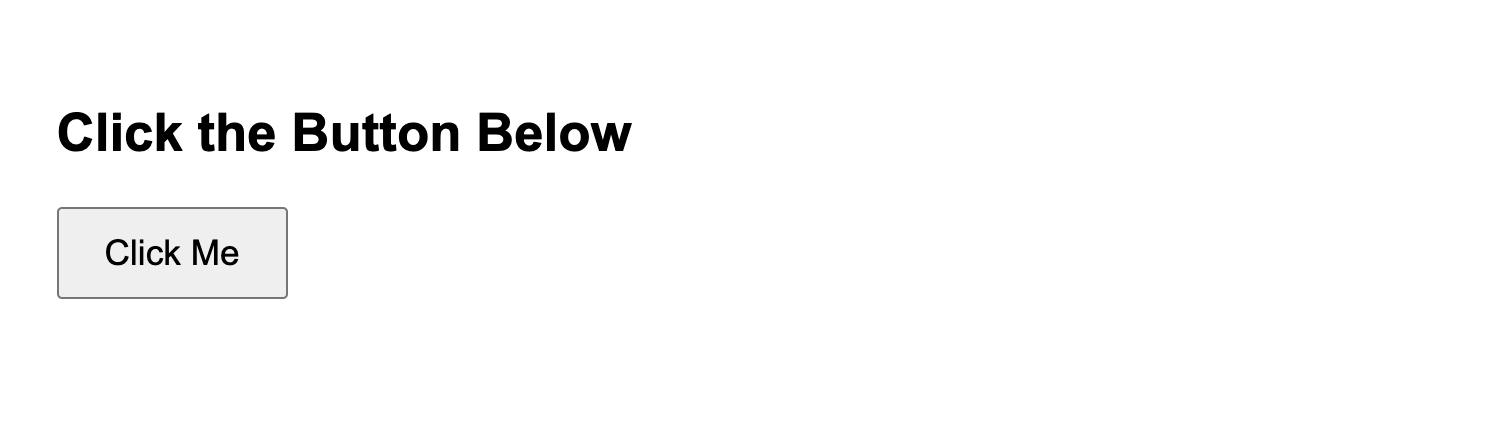
When you click the button, open your browser's developer console
(
Right-click → Inspect → Console), and you'll see: