#️⃣ What Are Status Codes?
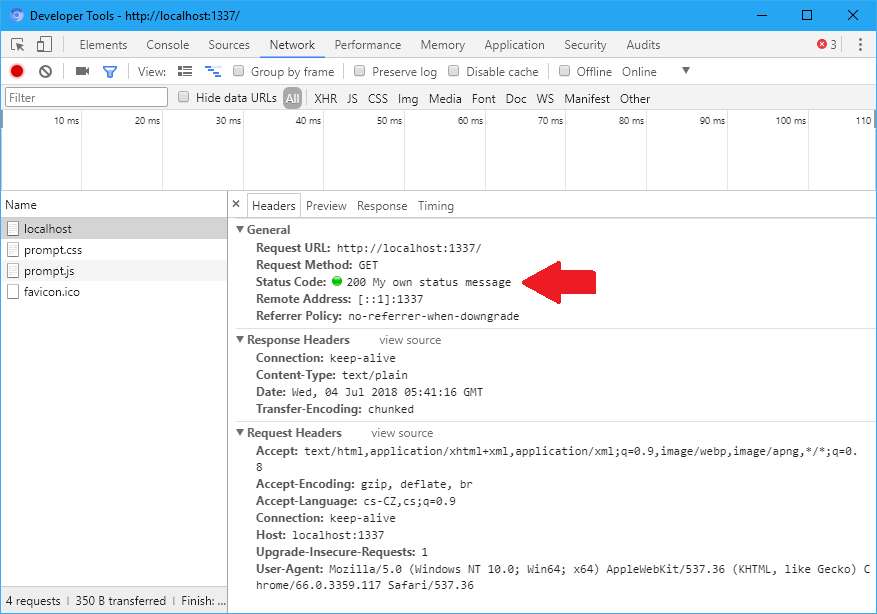
Status codes in FastAPI are HTTP response codes that indicate whether a request was successful or failed — and explain the reason.
They are globally standardized by the HTTP specification and used by all web systems.
Whenever a client (browser, mobile app, frontend, or API consumer) sends a request, the server responds with:
A status code
A response body (optional)
Response headers
👉 The status code is the primary signal that tells the client how to interpret the result.
⚙️ Why Status Codes Matter
Status codes play a crucial role in API communication:
✅ Indicate success or failure
🔎 Explain what happened
🛠️ Help with debugging and monitoring
🔄 Enable proper client-side error handling
Without them, clients would have no consistent way to know whether a request worked.
📊 Status Code Categories
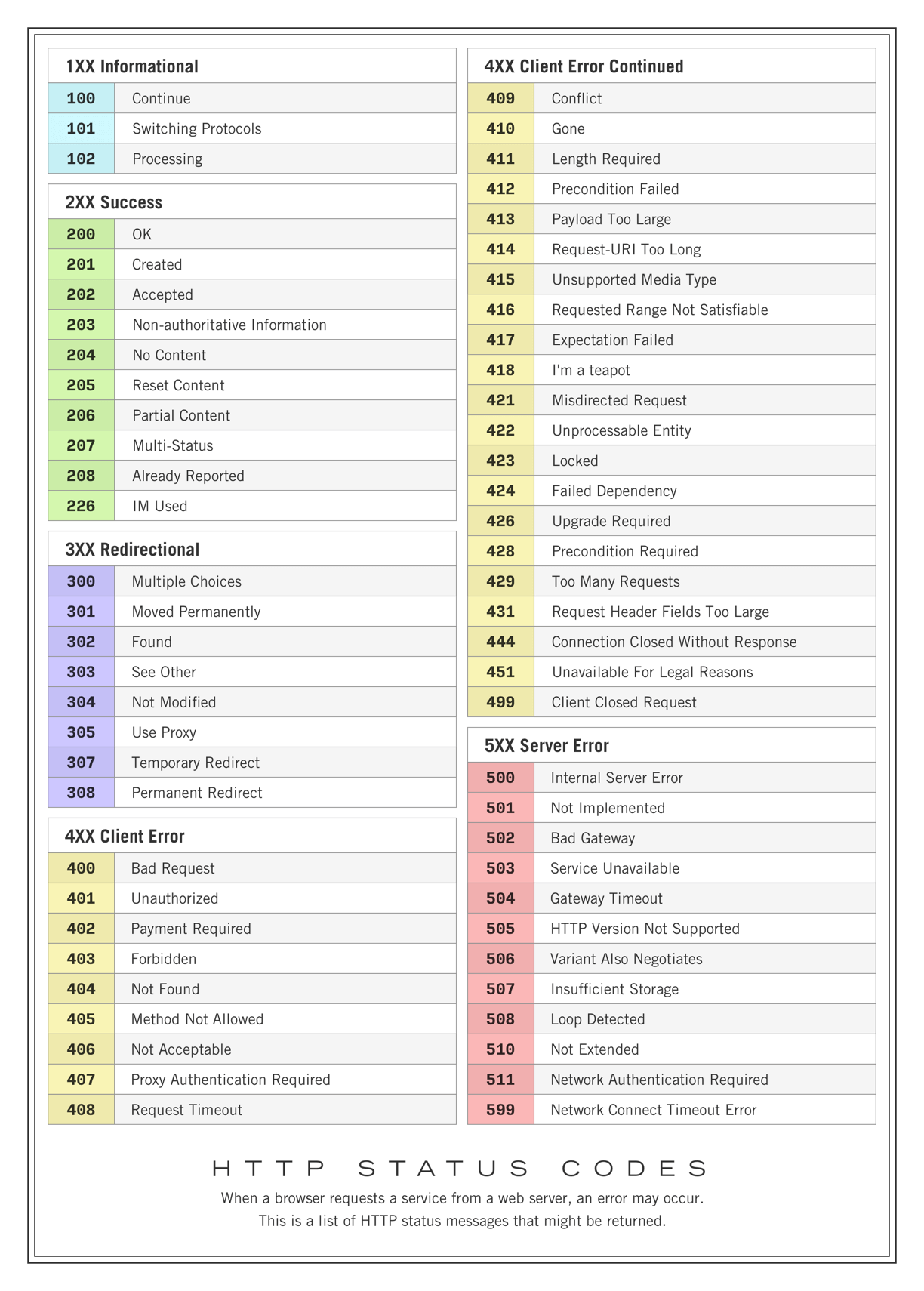
HTTP status codes are grouped into five series, ranging from 100 to 599.
Each series communicates a specific class of outcome.
🔹 1xx — Informational (Request Received)
These indicate the request was received and processing is ongoing.
Examples:
100 Continue— Client may continue sending the request101 Switching Protocols— Server switching protocols (e.g., to WebSocket)102 Processing— Still processing103 Early Hints— Preliminary headers sent
👉 Rarely used directly in REST APIs.
🔹 2xx — Success (Request Completed)
These indicate the request was successfully processed.
Common examples:
200 OK— Standard success (typically GET)201 Created— Resource successfully created (typically POST)202 Accepted— Request accepted for processing later204 No Content— Success with no response body (PUT/DELETE)
👉 In most APIs, 200, 201, and 204 are used most frequently.
🔹 3xx — Redirection (Further Action Needed)
These indicate that the client must take additional steps.
Examples:
301 Moved Permanently302 Found303 See Other304 Not Modified— Common with caching307 Temporary Redirect308 Permanent Redirect
👉 Less common in APIs, except for caching scenarios.
🔹 4xx — Client Errors (Invalid Request)
These occur when the problem is caused by the client.
Examples:
400 Bad Request— Invalid input401 Unauthorized— Authentication required403 Forbidden— Access denied404 Not Found— Resource does not exist405 Method Not Allowed409 Conflict415 Unsupported Media Type422 Unprocessable Entity— Validation error (very common in FastAPI)429 Too Many Requests— Rate limiting
👉 Indicates the client must fix the request.
🔹 5xx — Server Errors (Server Failure)
These indicate a failure on the server side.
Examples:
500 Internal Server Error— Unexpected server failure501 Not Implemented502 Bad Gateway503 Service Unavailable504 Gateway Timeout
👉 Critical for diagnosing production issues.
📝 Focus Areas in This Course
For practical API development, we will mainly work with:
✅ 2xx — Success responses
✅ 3xx — Redirection (when relevant)
✅ 5xx — Server errors
As you build more advanced features (authentication, validation, rate limiting), important 4xx codes such as 400, 401, 403, 404, and 422 will also become essential.