🎯 Goal of This Note
Learn how to read and write files using the asynchronous (non-blocking) versions of fs functions, and understand how to chain multiple dependent async steps using callbacks.
📥 Step 1: Reading a File Asynchronously
Add this Code block
fs.readFile('./txt/start.txt','utf8',(err, data)=>{
   console.log(data);
});
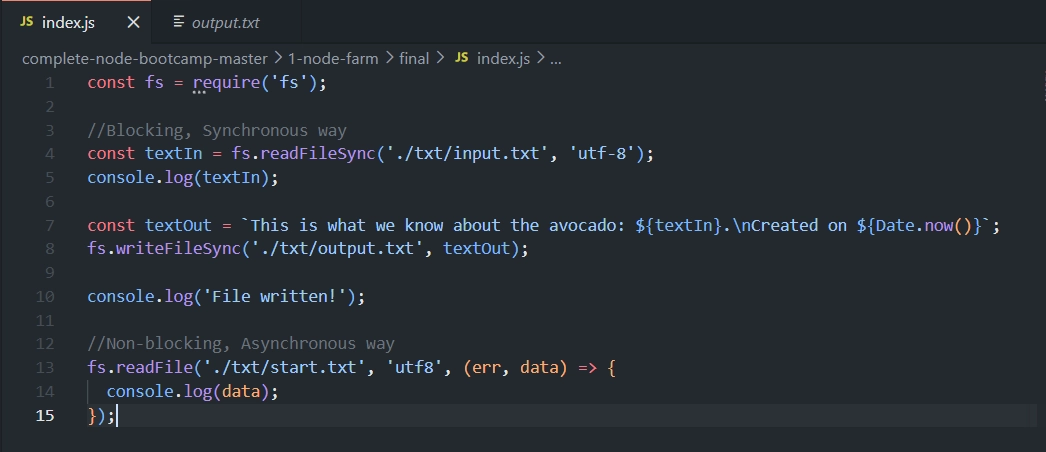
In Terminal Type:
node index.jsOutput
The avocado 🥑 is popular in vegetarian cuisine as a substitute for meats in sandwiches and salads because of its high fat content 😄
File written!
read-this
We still use the
fsmodule, but this time the function isreadFile(notreadFileSync).
Arguments passed to
readFile:📁 Path to the file — e.g.
./txt/start.txt🔤 Character encoding — e.g.
'utf8'(recommended to include, to be safe)🔁 Callback function — runs once the file has finished reading
🔄 The Callback Function Pattern
(err, data)=>{...}The callback receives two arguments:
❌
err— the error, if one occurred📄
data— the actual file content
This is called the "error-first callback" style — extremely common in Node.js.
The error is always the first parameter, and the actual result (data) comes second.
🚀 Step 2: Proving It's Non-Blocking
To demonstrate that readFile doesn't block execution, add logs before and after:
fs.readFile('./txt/start.txt','utf8',(err, data)=>{
  console.log('Read this!');
});

console.log('Will read file!');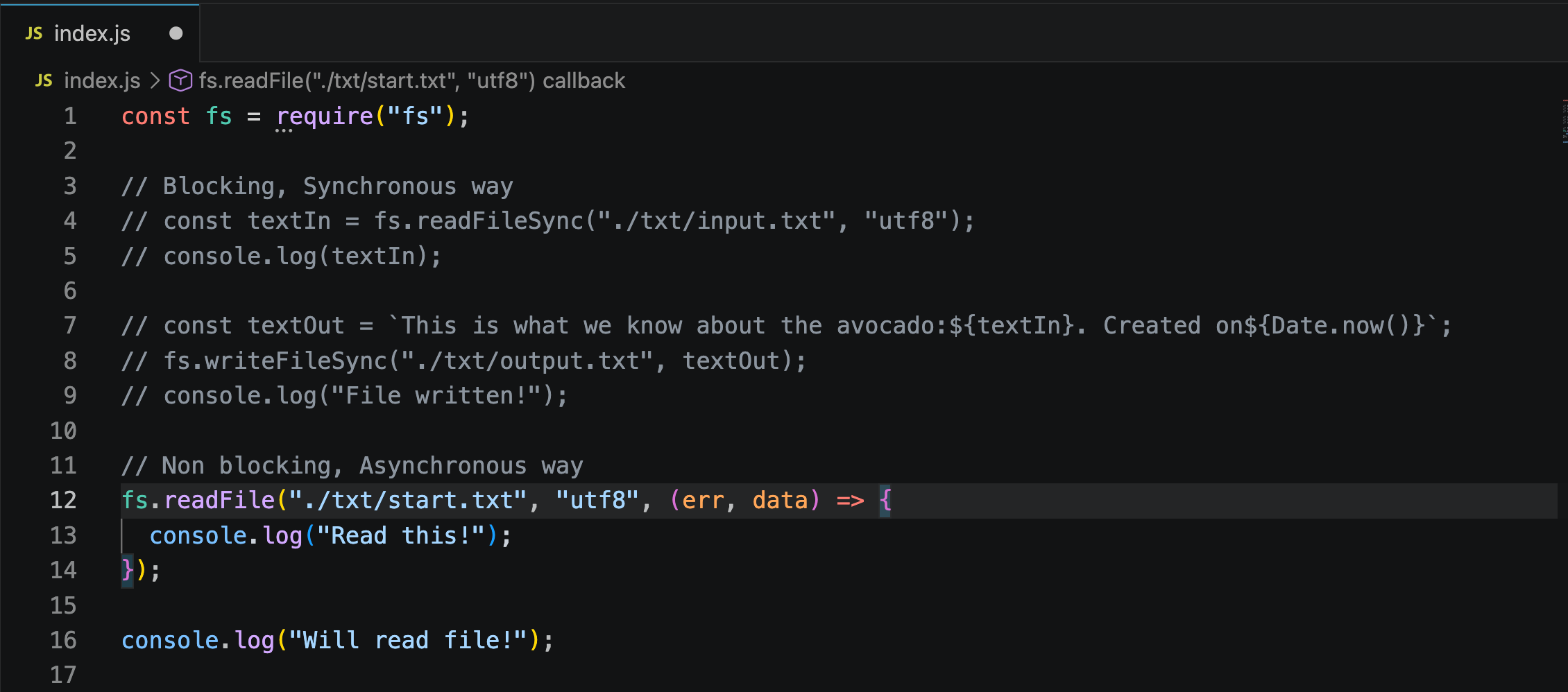
What do you think will be printed first❓
Type
node index.jsin terminal
✅ Output
Will read file!
Read this!
🔗 Step 3: Chaining Multiple Async Steps (Dependent Reads)
Sometimes one file read depends on the result of a previous one. Example scenario:
📄 Read
start.txt→ its content tells you the name of the next file to read.📖 Read that file → its content needs to be combined with another file's content.
✍️ Write the final combined result into a new output file.
💻 Code
fs.readFile('./txt/start.txt', 'utf8', (err, data1) => {
  fs.readFile(`./txt/${data1}.txt`, 'utf8', (err, data2) => {
    console.log(data2);

    fs.readFile('./txt/append.txt', 'utf8', (err, data3) => {
      console.log(data3);

      fs.writeFile('./txt/final.txt', `${data2}\n${data3}`, 'utf8', (err) => {
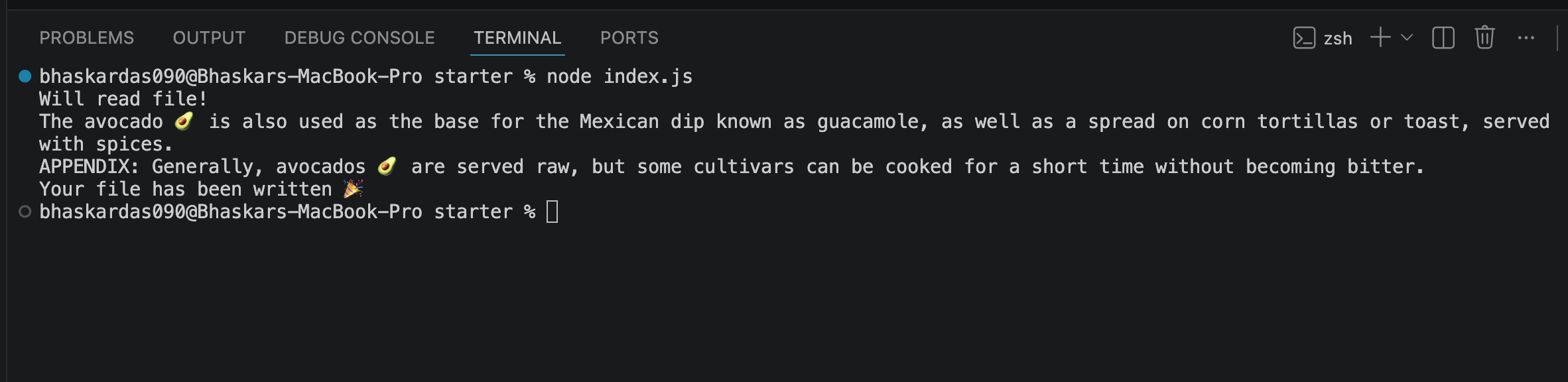
        console.log('Your file has been written 🎉');
      });
    });
  });
});

console.log('Will read file!');
✅ Terminal Output
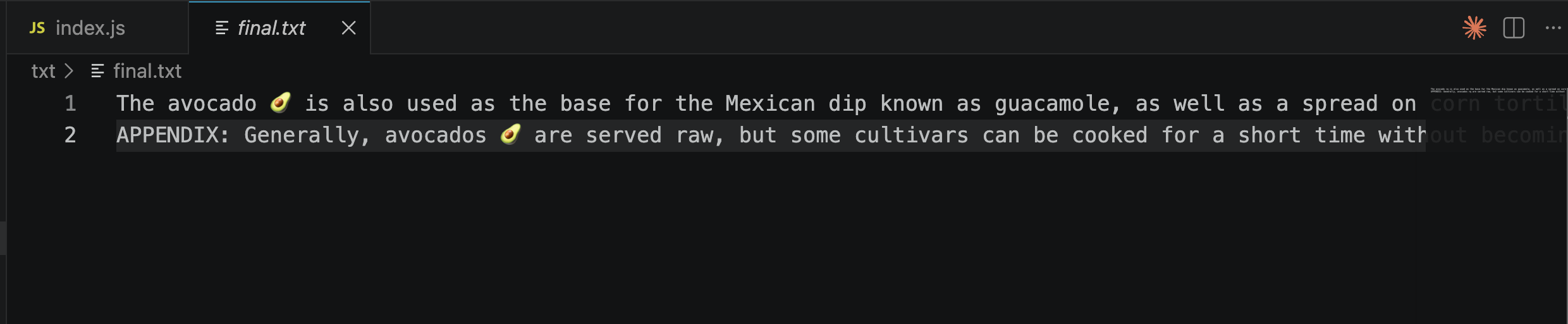
✅ final.txt Output
📄 First read:
start.txtis read → result stored asdata1data1contains the name of another file (e.g.,read-this)📖 Second read: Using
data1, Node reads./txt/read-this.txt
(built dynamically using a template string) → result stored asdata2.📑 Third read: Reads
append.txt→ result stored asdata3.✍️ Write step: Combines
data2anddata3(with a newline\nbetween them) and writes it tofinal.txt.
📌 Important Notes
Each step is nested inside the callback of the previous step — this is necessary because each step depends on data from the one before it.
This nested pattern is called "callback hell" (mentioned in the previous note) — it works, but becomes hard to read as more steps are added.
📤 Step 4: Writing a File Asynchronously
💻 Code
fs.writeFile('./txt/final.txt', textToWrite,'utf8',(err)=>{
  console.log('Your file has been written 🎉');
});
Just like
readFile, we use the asynchronous version:writeFile(notwriteFileSync).Arguments:
📁 Path to the file to write —
./txt/final.txt📝 The content to write into the file
🔤 Encoding —
'utf8'🔁 Callback function — runs once writing is complete
⚖️ Difference from readFile's Callback
writeFile's callback only receives one argument:err(the error, if any).There's no
datato receive here, since we're writing, not reading.
⚠️ Step 5: Handling Errors
It's good practice to check for errors inside callbacks:
fs.readFile('./txt/start.txt', 'utf8', (err, data1) => {
  if (err) {
    console.log('ERROR 💥');
    return;
  }
  ......
Let’s simulate an error:
Rename
start.txttostarttttt.txt.Run the application again.
Observe the error output in the terminal.
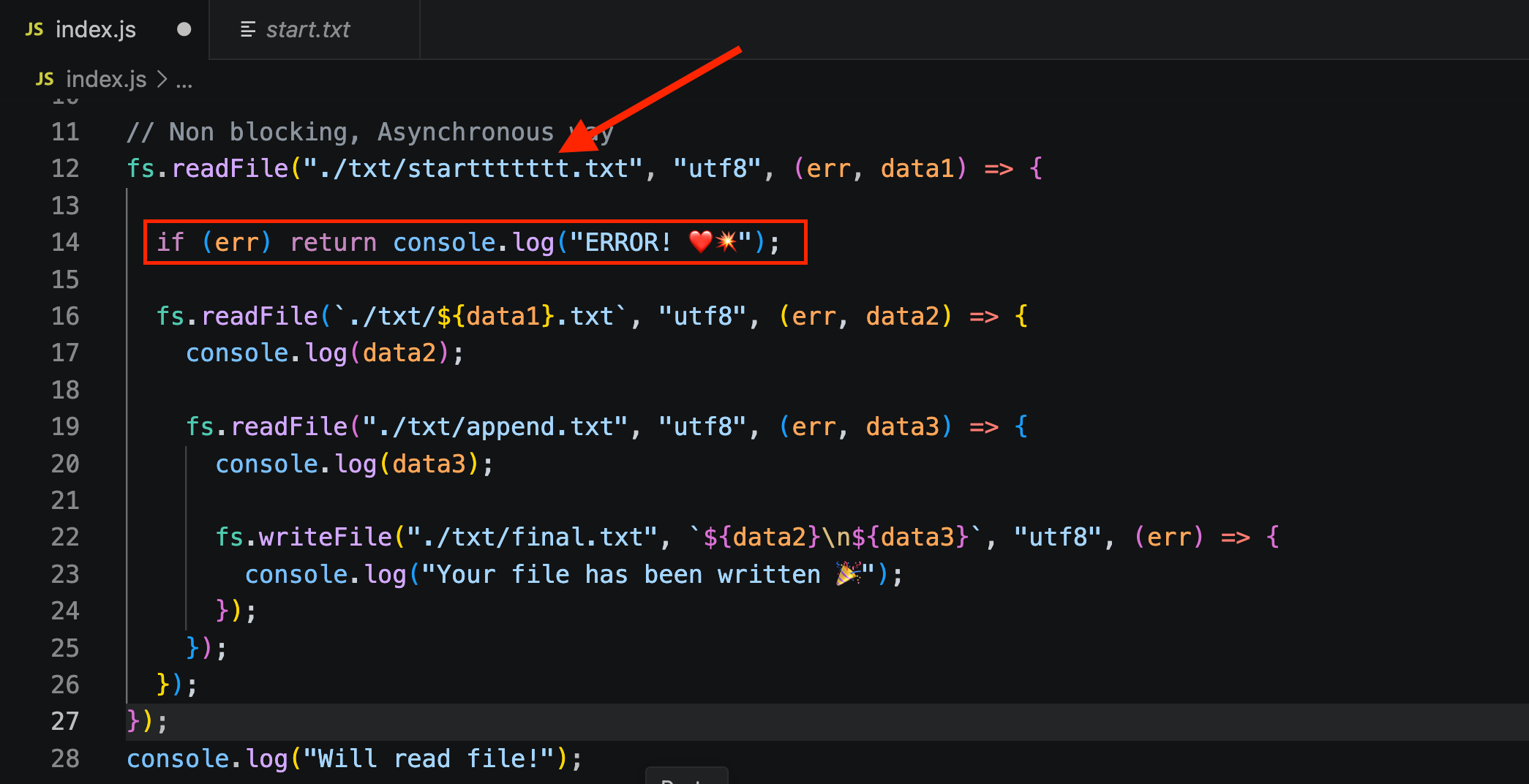
✅ Terminal Output
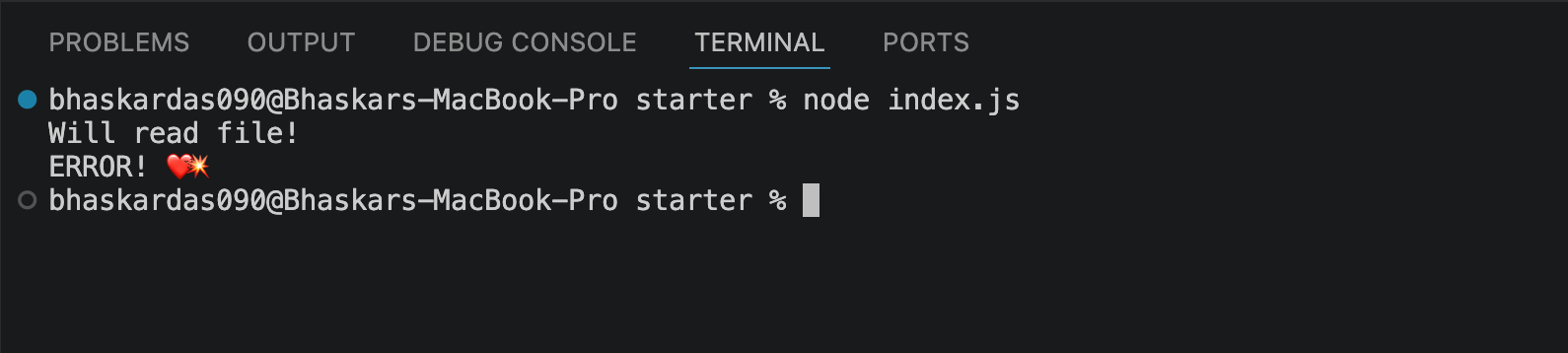
💡 Why This Matters
❌ If the file doesn't exist (or another error occurs),
errwill contain error details.🛑 Using
returnafter logging the error stops the rest of the callback from running — preventing your code from trying to usedata1when it doesn't actually exist.🧪 Test this by temporarily giving a wrong file name — you'll see the error log instead of a crash, and the rest of the code will be skipped safely.
✅ Full Code
const fs = require("fs");

// Blocking, Synchronous way
// const textIn = fs.readFileSync("./txt/input.txt", "utf8");
// console.log(textIn);

// const textOut = `This is what we know about the avocado:${textIn}. Created on${Date.now()}`;
// fs.writeFileSync("./txt/output.txt", textOut);
// console.log("File written!");

// Non blocking, Asynchronous way
fs.readFile("./txt/start.txt", "utf8", (err, data1) => {
  fs.readFile(`./txt/${data1}.txt`, "utf8", (err, data2) => {
    console.log(data2);

    fs.readFile("./txt/append.txt", "utf8", (err, data3) => {
      console.log(data3);

      fs.writeFile("./txt/final.txt", `${data2}\n${data3}`, "utf8", (err) => {
        console.log("Your file has been written 🎉");
      });
    });
  });
});
console.log("Will read file!");
const fs = require("fs");
// Blocking, Synchronous way
// const textIn = fs.readFileSync("./txt/input.txt", "utf8");
// console.log(textIn);
// const textOut = `This is what we know about the avocado:${textIn}. Created on${Date.now()}`;
// fs.writeFileSync("./txt/output.txt", textOut);
// console.log("File written!");
// Non blocking, Asynchronous way
fs.readFile("./txt/starttttttt.txt", "utf8", (err, data1) => {
if (err) return console.log("ERROR! ❤️💥");
fs.readFile(`./txt/${data1}.txt`, "utf8", (err, data2) => {
console.log(data2);
fs.readFile("./txt/append.txt", "utf8", (err, data3) => {
console.log(data3);
fs.writeFile("./txt/final.txt", `${data2}\n${data3}`, "utf8", (err) => {
console.log("Your file has been written 🎉");
});
});
});
});
console.log("Will read file!");