⚙️ What Node.js Actually Is
Node.js is a JavaScript runtime — it lets you run JS outside the browser.
Before Node, JavaScript could only run inside a browser (Chrome, Firefox, etc.).
Node uses Google's V8 engine (the same one that powers Chrome) to execute JavaScript on your machine/server.
This is what makes backend development with JavaScript possible.
💾 Download & Install — More Context
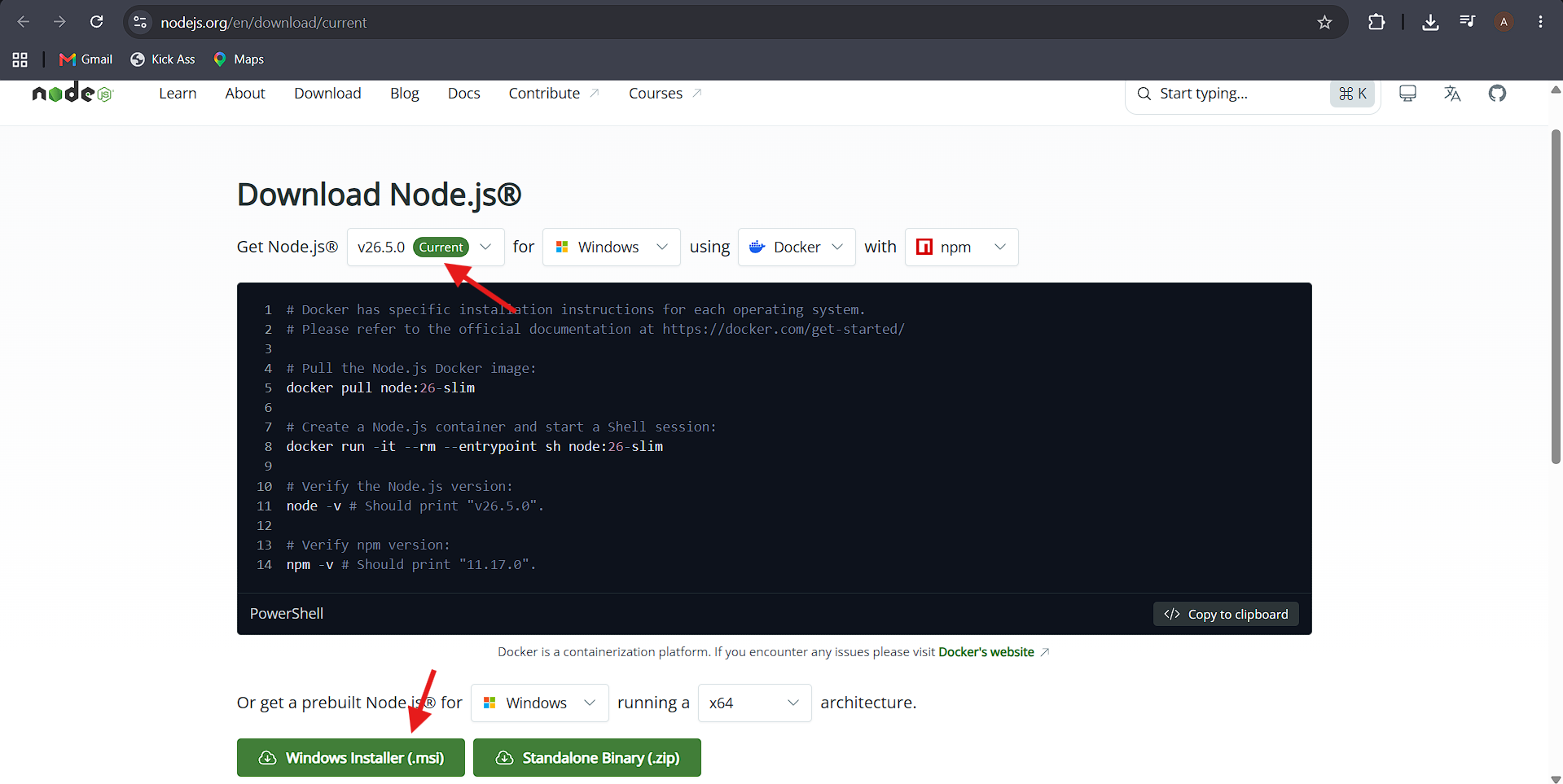
Two version tracks on nodejs.org:
Track | Meaning | Who it's for |
|---|---|---|
🟢 LTS (Long-Term Support) | Stable, tested, receives security updates for a long time | Most users, production apps |
🆕 Current | Latest features, but less stable | Developers who want to try new features early |
Version numbering rule:
✅ Even numbers (10, 12, 14, 16...) → stable, safe for production.
🧪 Odd numbers (9, 11, 13...) → experimental/transitional releases.
🔄 This is Node's own release convention — odd versions eventually get replaced by the next even LTS.
Why version doesn't matter too much here:
🛠️ Core Node.js fundamentals (modules, event loop, require/import, async patterns) stay consistent across versions.
➕ Minor syntax/API additions happen, but breaking changes are rare between LTS versions.
🔙 If code breaks on a newer version, switching to the LTS version used in a course is a safe fallback.
📥 Installation Process
🌐 Visit nodejs.org
🤖 The site auto-detects your OS and shows a download button.
📂 If not auto-detected → go to the Downloads page → pick your OS manually.
▶️ Run the installer:
🍎 Mac:
.pkgfile → Continue → Agree → Install.🪟 Windows:
.msifile → Next → Agree → Install.
📦 The installer also installs npm (Node Package Manager) automatically — this is used later to install libraries like Express and Mongoose.
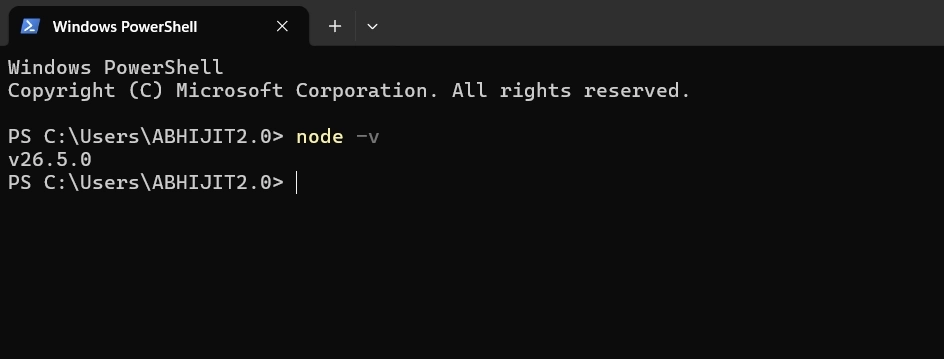
✅ Verifying Installation in Command Prompt/PowerShell/Terminal
node -vPrints the installed Node.js version (confirms the installation was successful).
Also useful to check npm:
npm -vConfirms npm (which comes bundled with Node.js) is installed and working correctly.
🍃 MongoDB Note
Node.js installs the same way on all operating systems.
MongoDB installation is OS-specific (different steps for Mac vs Windows) — covered separately later.