1️⃣ Upload Your Files
First, make sure your bucket contains all necessary files
Example files:
coffee.jpg☕,beach.jpg🏖️Upload your index.html file as the homepage 🖥️
index.htmlfile code
<html>
    <head>
        <title>My First Webpage</title>
    </head>
    <body>
        <h1>I love coffee</h1>
        <p>Hello world!</p>
    </body>

    <img src="coffee.jpg" width=500/>
</html>
2️⃣ Enable Static Website Hosting
Go to Properties ⚙️
Scroll down to Static website hosting 🌐
Click Edit ✏️
Enable Static website hosting ✅
Specify the Index document:
index.html🏠
⚠️ Warning: All content must be publicly readable to work as a website 👁️
Click Save 💾
3️⃣ Access Your Website
After saving, go to Properties → Static website hosting 🌐
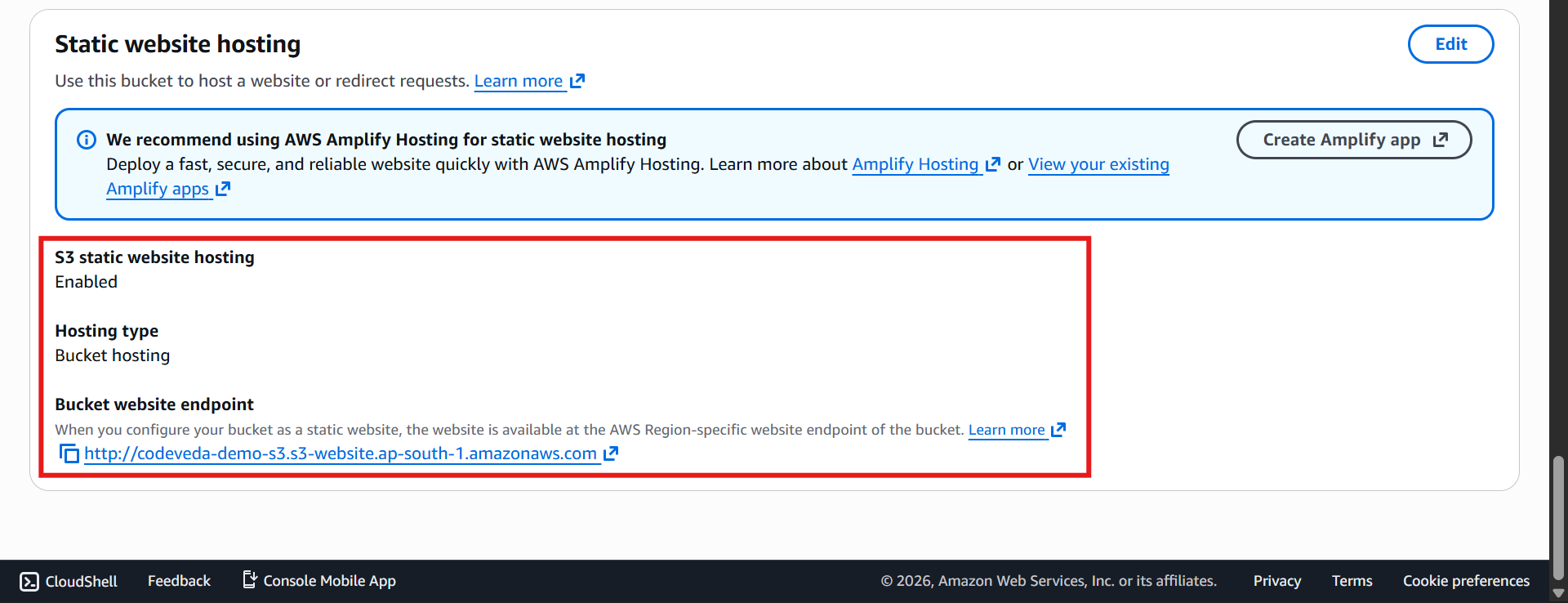
Copy the Bucket website endpoint URL 🔗
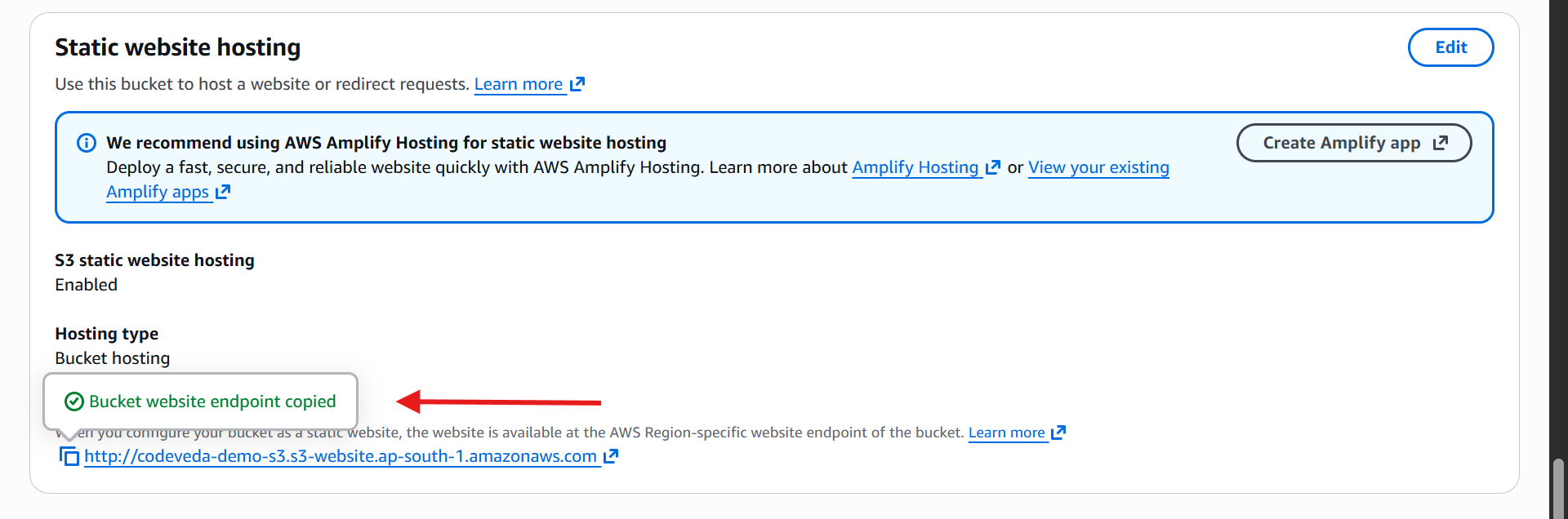
Paste it in your browser, and you should see:

Your homepage content (e.g., “I love coffee. Hello world!”) 🖥️
Your uploaded images (
coffee.jpg☕,beach.jpg🏖️)
💡 Tip: Right-click on an image and select Open in new tab to see its public URL
🔑 Key Takeaways
S3 can now serve your static website directly from the bucket 🌍
Public access is controlled by your S3 bucket policy 📜
All uploaded files (
HTML,images) are visible and accessible thanks to proper public permissions ✅